Delete Insurance Payments
|
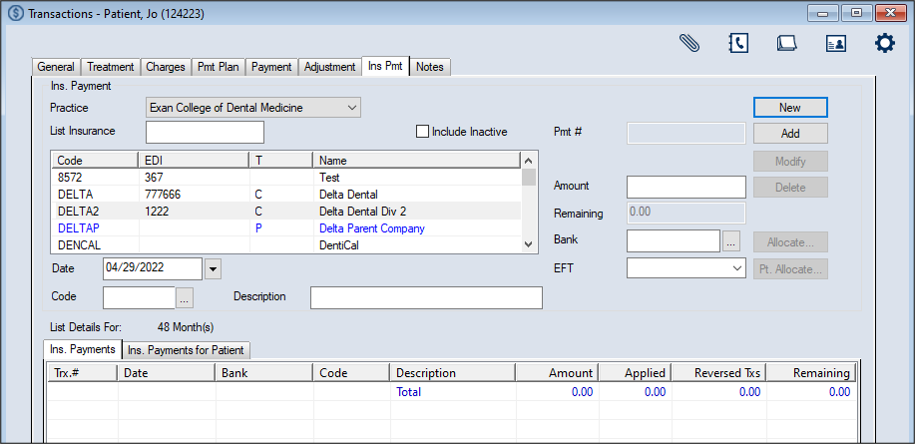
In extreme cases, you can delete an insurance payment from the Transactions module > Insurance Payment tab. Warning: We do not recommend deleting insurance payments. Note: Payments that have already been allocated or adjusted must be unallocated and/or unadjusted before they can be deleted. To delete an insurance payment:
Note: The full list displays if the Load all Ins. companies in list checkbox is selected in the Transaction Options window > Payment Options section. Tip: You can enter an underscore (_) to display all results within the column. Note: You can select the Include Inactive checkbox to include inactive insurance companies in the search.
|