Manage Patient/Family Appointments
|
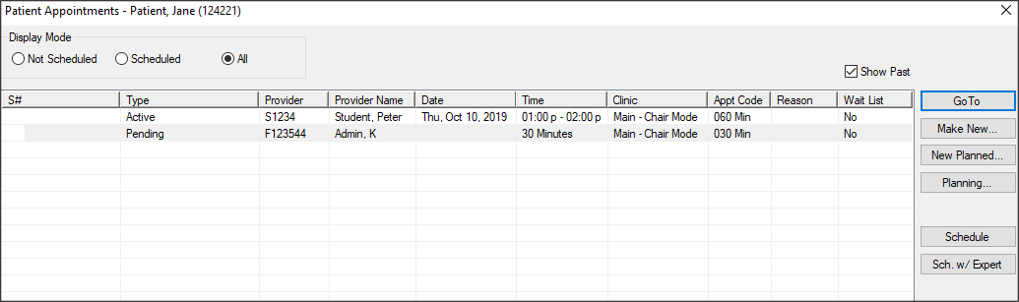
Depending on your configuration, you can view and manage a patient’s appointments from one of two windows:
Tip: The window is managed from the Scheduler Options window > Patient/Family Appointments Window section > Mode field. You can access the Patient Appointments or Family Appointments window from several places in the Scheduler. To manage patient/family appointments:
Tip: You can also access the window from several other places in the Scheduler. If working on the Active tab, right-click an appointment and select Patient Appointments or Family Appointments. If working on the Pending tab, right-click the appointment and select Patient Appointments… or Family Appointments….
 Open Appointments Open Appointments
If the appointment is pending, it displays on the Pending tab. If the appointment is active, it displays on the Active tab. Make Appointments
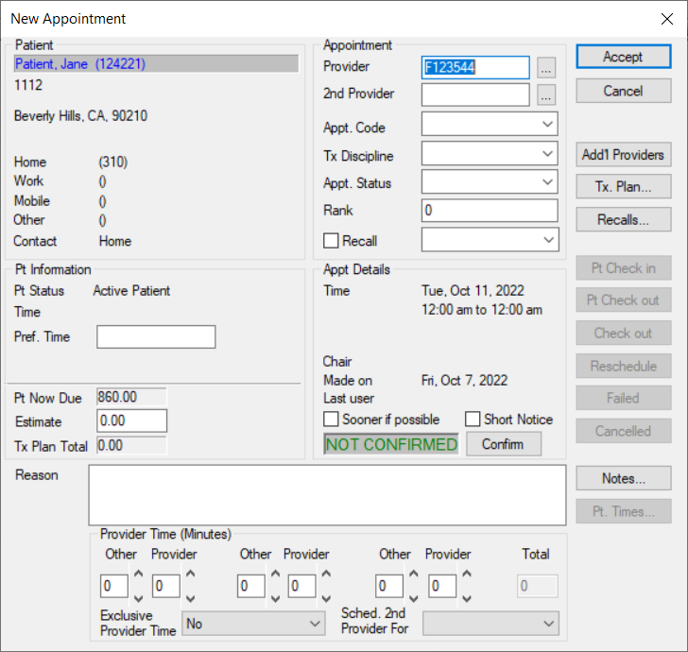
Create Planned Appointments
Manage Appointment Planning
Schedule Appointments
Reschedule Appointments
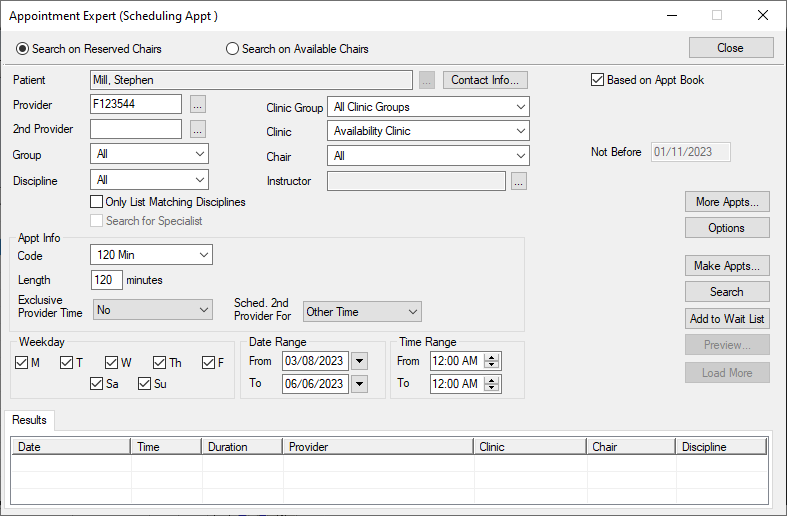
Schedule with Appointment Expert
The Appointment Expert allows you to search for available times in the Scheduler and book appointments. Tip: You can also right-click a listed appointment and select Appointment Expert… to display the Appointment Expert (Scheduling Appt) window.
|
 ) icon to display the Select Patient window.