Request Charts
|
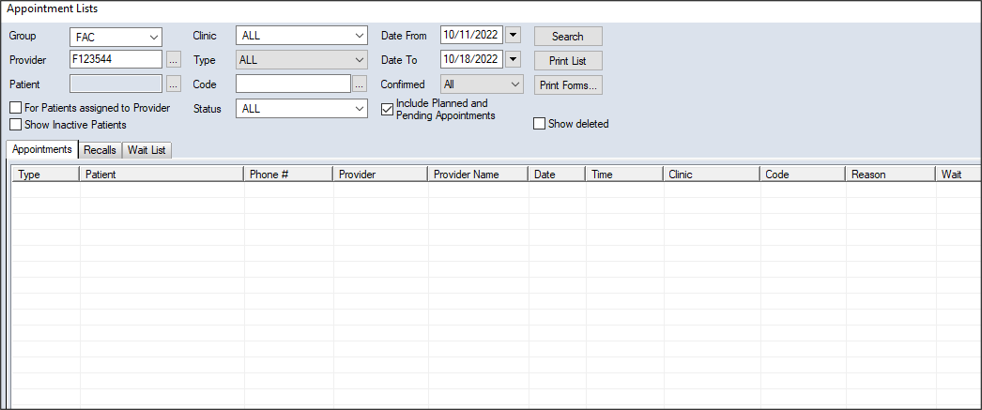
Chart requests control access to paper charts so only one person may use a patient's chart at one time. In most cases, an automatic chart request is sent when the appointment is scheduled, but you can make manual chart requests when necessary from the Scheduler > Active, Weekly, or Pending tab and the Appointment Lists window > Appointments or Wait List tab. To request a chart:
 Locate on the Active Tab
Locate on the Weekly Tab
Locate on the Pending Tab
Locate in the Appointment Lists Window Locate on the Active Tab
Locate on the Weekly Tab
Locate on the Pending Tab
Locate in the Appointment Lists Window
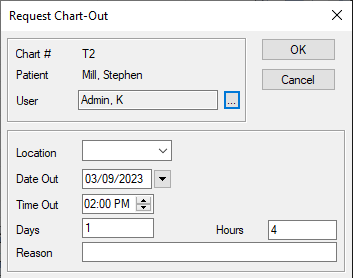
Note: If the patient has an electronic chart, a prompt displays. Click Yes to display the Request Chart-Out window.
|
 ) icon to display the Appointment Lists window.