Search for Active Appointments
|
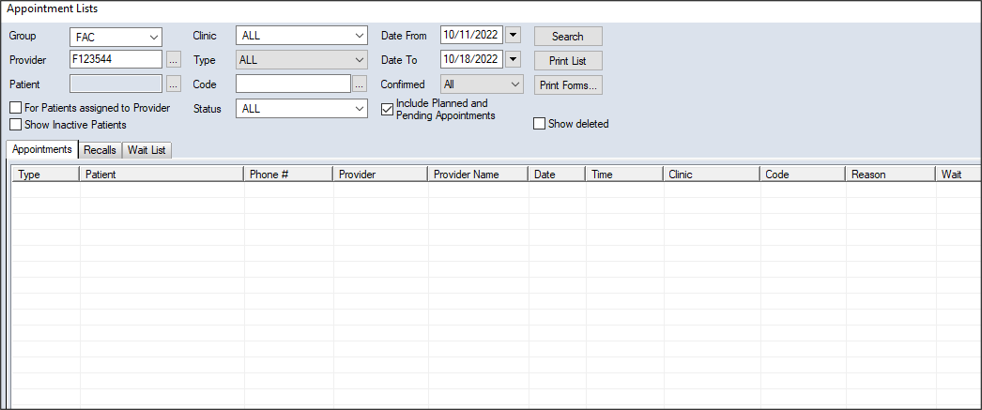
You can search for active appointments from the Scheduler > Appointment Lists window > Appointments tab. Tip: If necessary, you can include planned and pending appointments in the search. To search for an active appointment:
 Search Fields Search Fields
Note: Some fields are only available from specific tabs.
|
 ) icon to display the Appointment Lists window.