Search for Pending Appointments
|
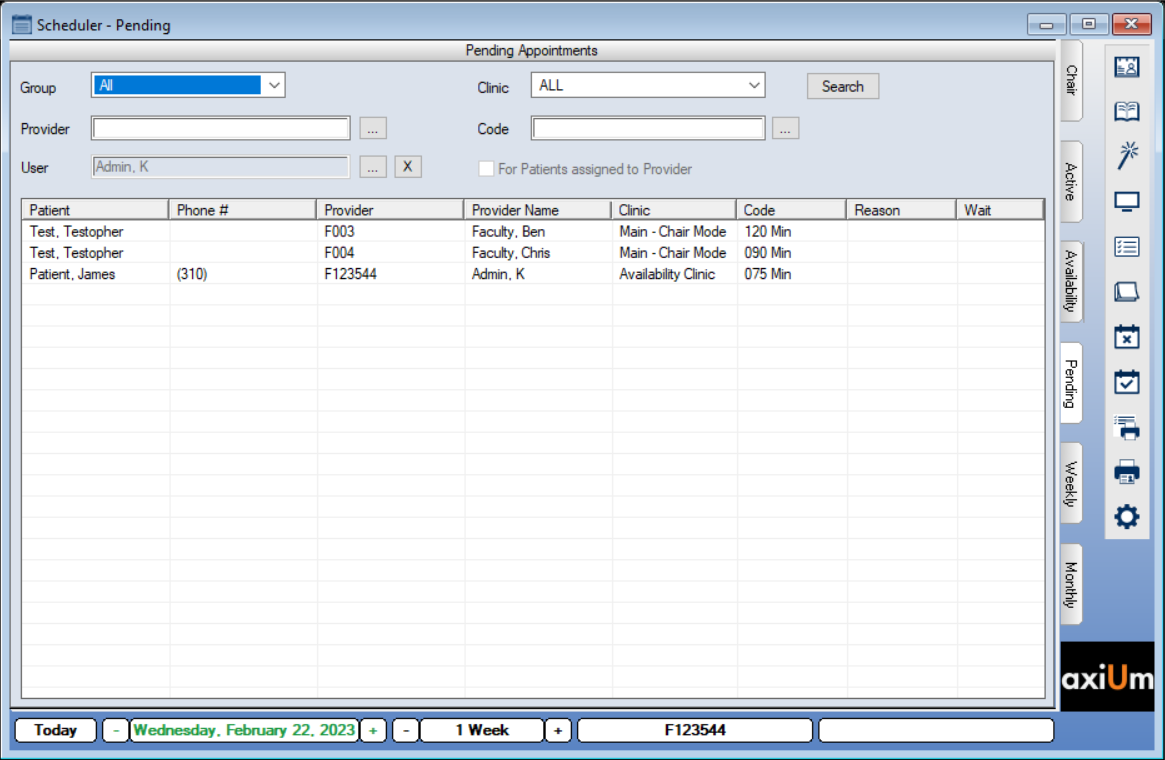
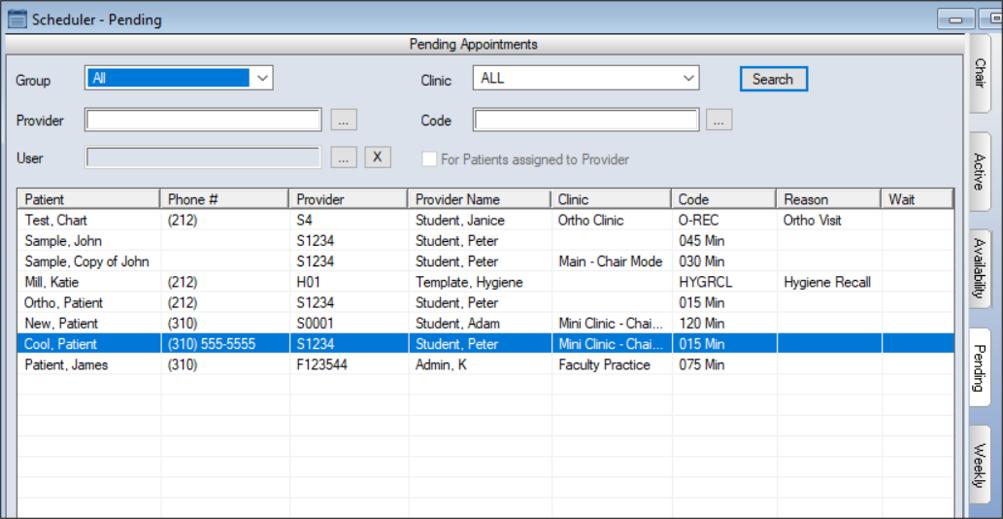
You can search for pending appointments from the Scheduler > Pending tab. Tip: If necessary, you can also include pending appointments when searching for active appointments from the Scheduler > Appointment Lists window > Appointments tab. To search for a pending appointment:
 Search Fields Search Fields
|