View EOBs
|
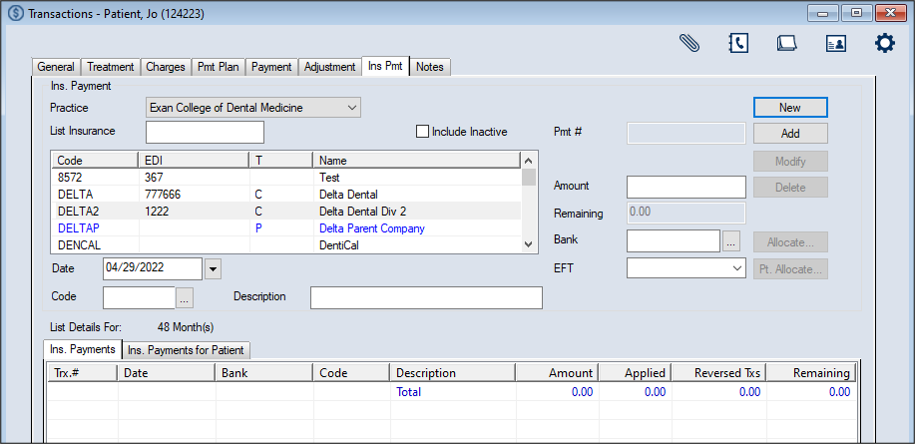
Once received from an insurance company, you can view an EOB from the Transactions module > Insurance Payment tab. To view an EOB:
Note: The full list displays if the Load all Ins. companies in list checkbox is selected in the Transaction Options window > Payment Options section. Tip: You can enter an underscore (_) to display all results within the column. Note: You can select the Include Inactive checkbox to include inactive insurance companies in the search.
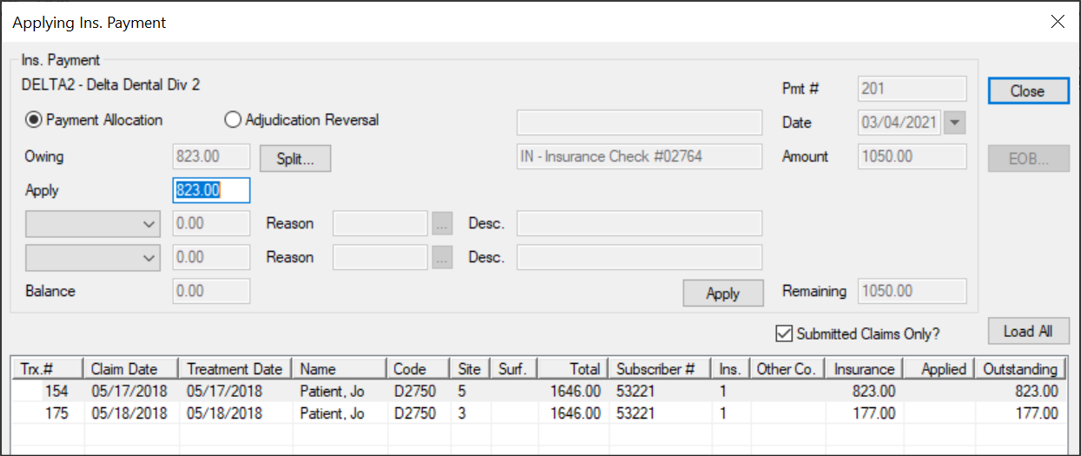
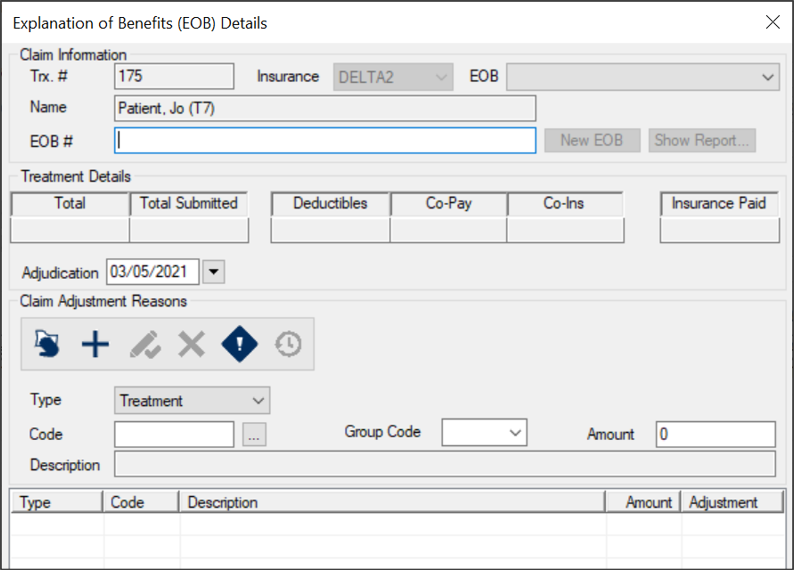
Note: The available fields display differently depending on which button is used to open the window. Note: The button is only enabled if the selected record has an EOB attached automatically to it via the Auto Remittance module or if you have already allocated an insurance payment to the record.
Tips:
|
 ) icon.