Add Patient Notes
|
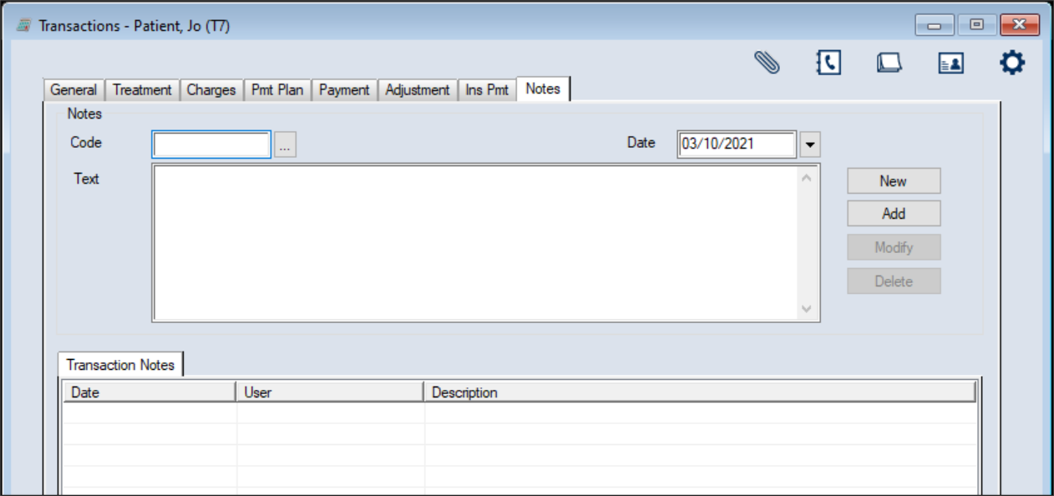
You can add patient notes from the Transactions module > Notes tab. Tip: Each time you add an adjustment, you should add a patient note with the reason and Trx #. To add a patient note:
 Notes fields Notes fields
|