Add Adjustments
|
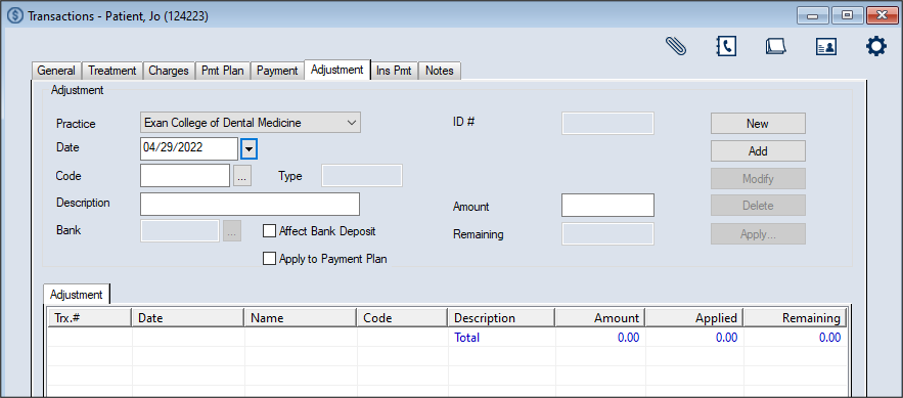
You can add adjustments from the Transactions module > Adjustment tab. To add an adjustment:
Note: Up to two custom fields may also be configured for use by your institution. If configured, they display below the ID # field.  Adjustment fields Adjustment fields
The record displays in the list view in green text to indicate it is not allocated. Important: At this point the adjustment has been entered but is not allocated anywhere. |