Print Appointment Forms
|
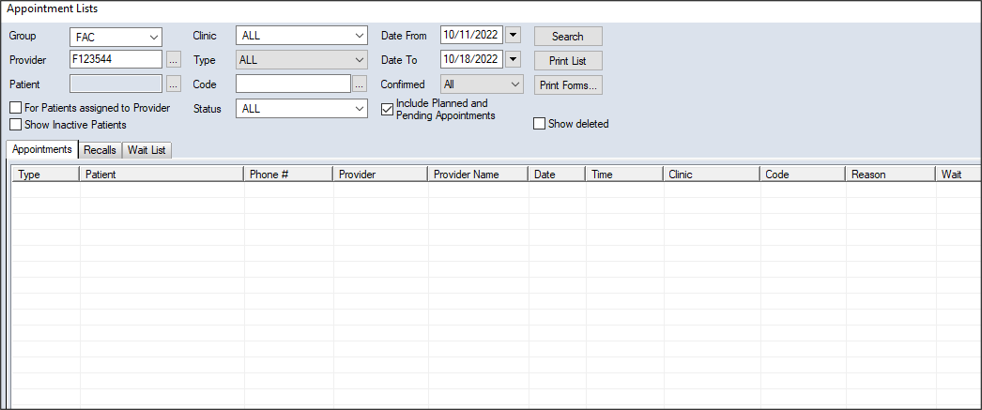
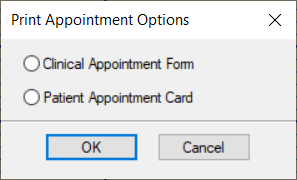
You can print appointment forms from the Scheduler > Active or Weekly tab and the Appointment Lists window > Appointments or Wait List tab. The forms can include a form for clinical staff and an appointment reminder for the patient. To print an appointment form:
 Locate on the Active Tab Locate on the Active Tab
Tip: A variety of appointment indicators can also display on appointments. If present, you can hover over the indicator to view the details. Locate on the Weekly Tab
Locate in the Appointment Lists Window
|
 ) icon to display the Appointment Lists window.