View Patient Records
|
Aside from the patient information area, the Patients module offers two detailed levels to view and maintain patient information – the Patient Card and Patient Info windows.  View the Patient Card Window View the Patient Card Window
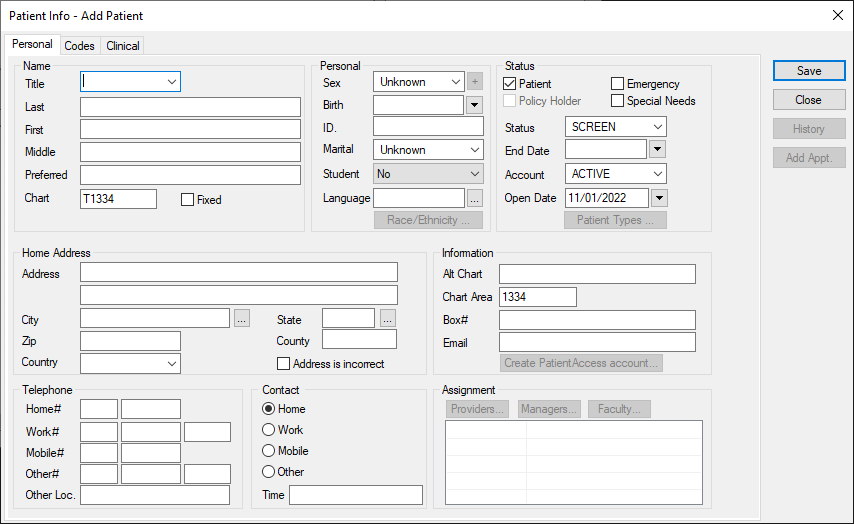
View the Patient Info Window
|
 ) icon to display the Patient Card window.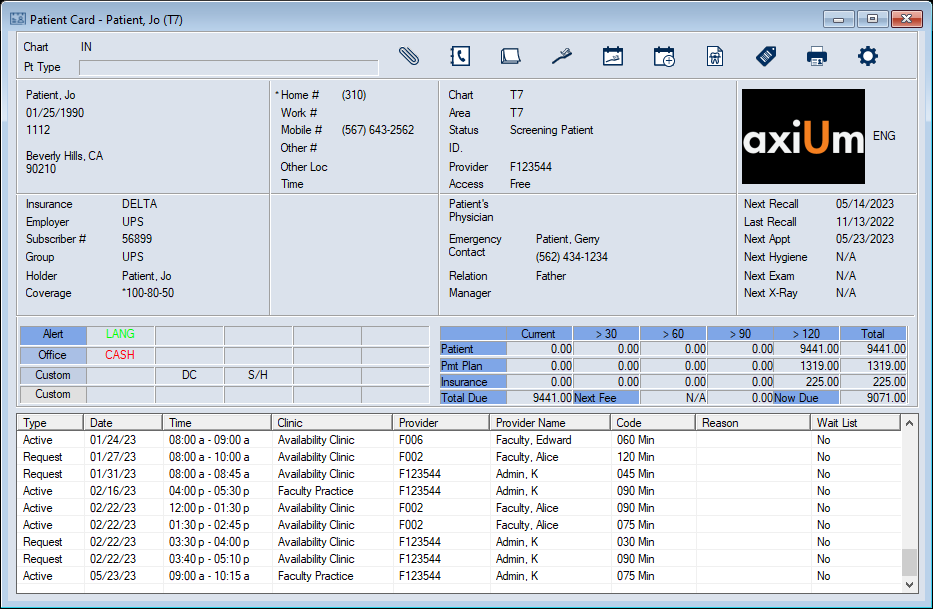
 ) icon.