Patient Approvals
|
Work that is completed in axiUm by student providers often requires approval from a faculty member or instructor. If you select a patient in axiUm and an item is present on the patient’s record that you require approval for, the patient’s chart number displays in teal on the status bar to indicate that an item on the patient record requires approval. Note: This includes any items that were done on behalf of the provider.
Depending on how a provider is configured, many items may require approval in axiUm:
When completing approvals, a variety of warnings/errors may display when applicable to the item type. Examples: “Cannot approve treatments for multiple providers” or “Treatment was not start checked” can display only for treatments. If you review an item that you do not want to approve because it requires more work, you can leave the item unapproved. It remains in the Patient Approvals window because it has not been approved, and the student provider should make the necessary edits to the item so you may approve it. Tip: If the student provider must make extensive changes to the item and they use approval requests, they can retract the requested item, finish the necessary work, and request approval again.  Request-based Approvals Request-based Approvals
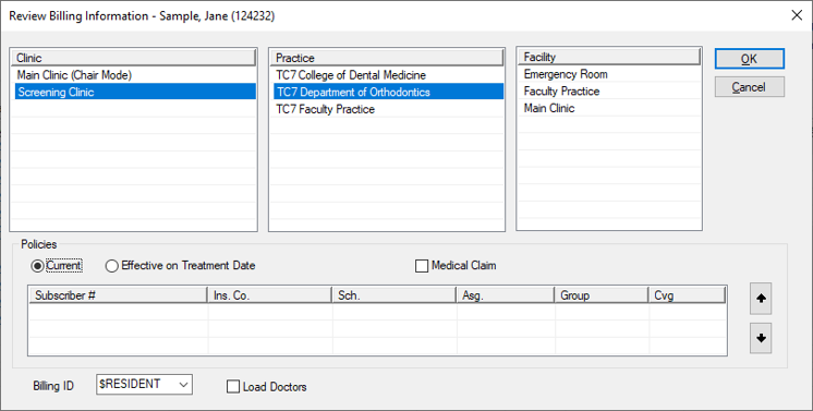
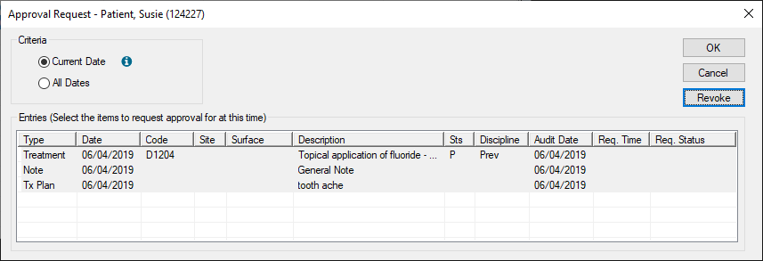
Some institutions may use an optional request-based workflow to complete patient approvals. If enabled, student providers can request approval for items when they finish them during an appointment, then prompt faculty members to approve the items. It makes use of an Approval Request window, the Review Billing Information window, clinical notification states, and if configured, a controllable intervention event. Financial Warnings During Approvals
Financial warnings can be suppressed during the patient approvals process. After the approvals process if over, staff can review financial warnings for specific procedures that may have occurred during the approvals process and address the issues. These can be reviewed from several places in axiUm:
Organization
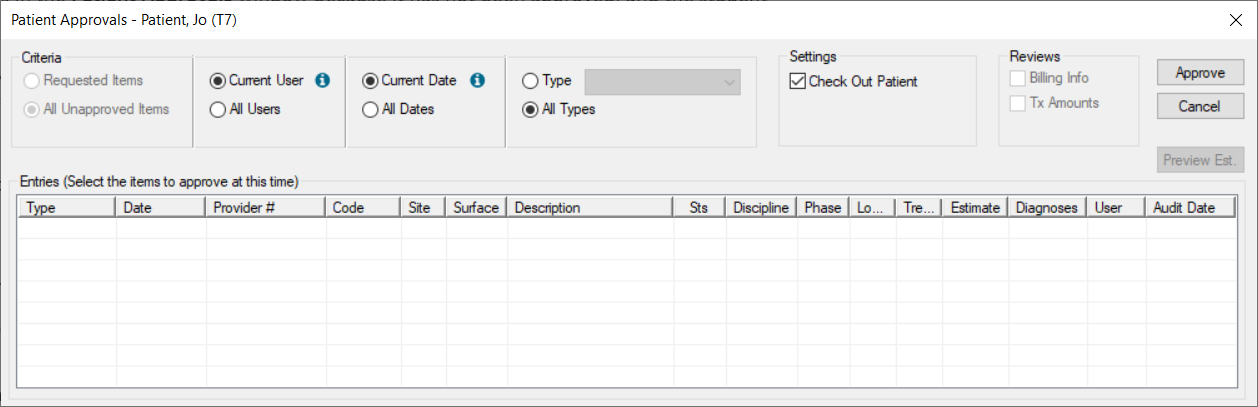
Patient approvals includes several parts:
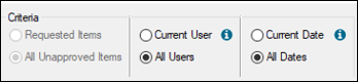
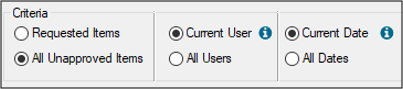
The Criteria filters default differently depending how the student provider is configured. Filter Defaults and Usage
Tip: You can specify workstation defaults for the user and date radio buttons when the Patient Approvals window is accessed from the status bar. These defaults are set from the Patients module > Patient Options window > Default Criteria for Date and Default Criteria for User fields.
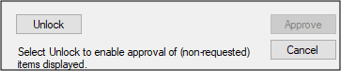
Note: If you select the All Unapproved Items radio button, the other radio buttons are enabled, but the Approve button is disabled and you cannot approve other items. However, if you have the correct permissions, you can click an Unlock button to authenticate and re-enable the Approve button.
|