Mark Items as Reviewed
|
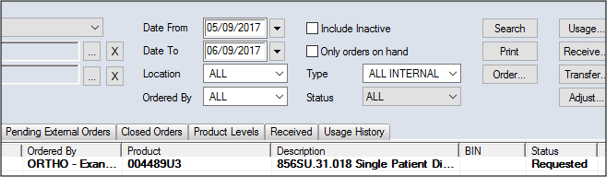
Your institution may require you to indicate each item in an internal order has been reviewed.
Example: From the Location drop-down list, select the Main Warehouse and from the Status drop-down list, select Requested.
The item text becomes unbolded, the status changes to Reviewed. |