Edit Received Order Items
|
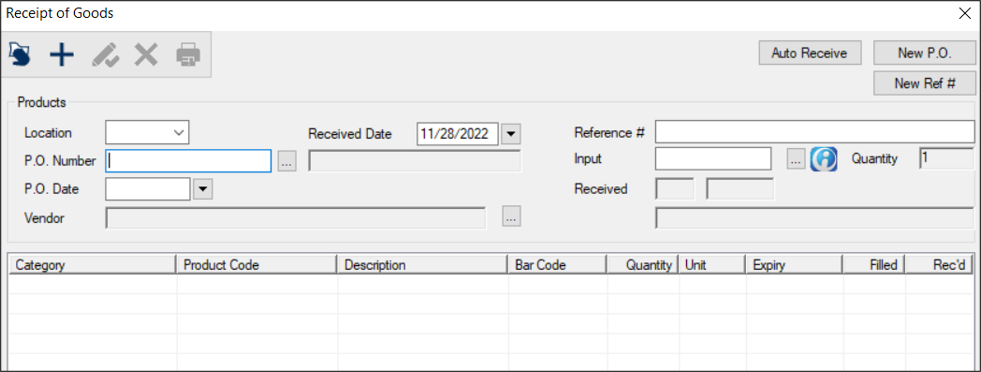
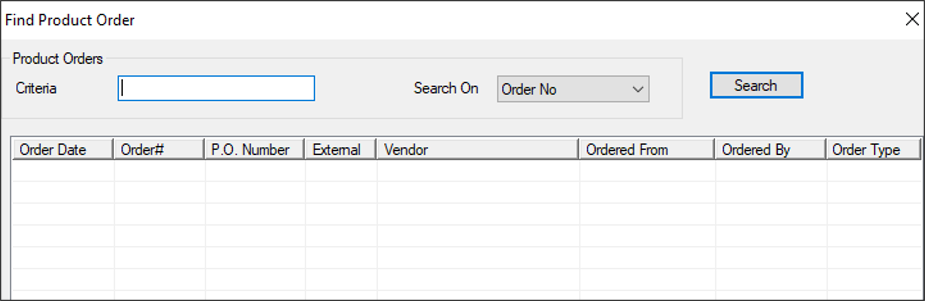
If necessary, you can modify the number of units you received in an external order. Example: A mistake was made when entering the number of received units. Important: You can only increase the number of units received. If you need to reduce the number of units received, see Adjust Items. To edit received order items:
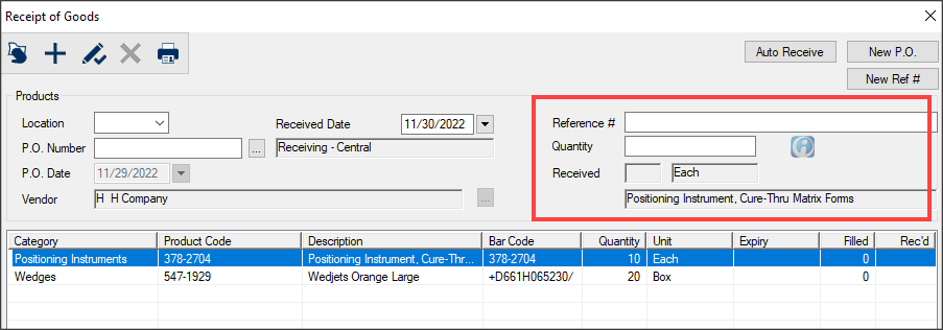
The Input field becomes the Quantity field and the Received fields reflect the item’s unit type and description.
Note: If entered, this number can be used later for reporting purposes. If an expiry date is associated with the list item, a Product Expiry window displays. The number updates in the Received field. Across from the lower list item, the Filled and Rec’d column values reflect the value entered. If you entered a product expiry date, it displays in the Expiry column for that item. |