Forms
|
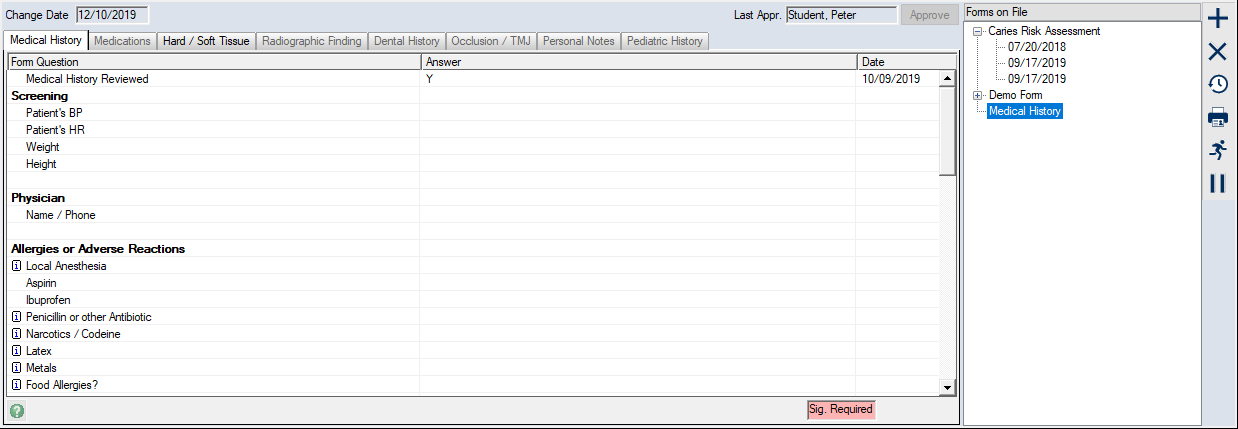
Forms can be added to a patient’s record and used to record patient information. Once added, each form must be completed. Other typical form activities may include approving forms and obtaining signatures, as well as assigning forms to other users. When necessary, you can review form answers and update them to keep records current. You can also view historic data to see previous answers.
The EHR module > Forms tab is the most common place to work with forms, but you can also access forms from different places in axiUm including referrals, the Patients, Perio, Ortho, Attachments/Consents, Personal Planner, PatientAccess, and FacultyAccess modules. Note: Instructions are based on the EHR module unless otherwise specified. Depending on which module you are in, a variety of forms is available to meet different needs:
 Single Instance vs. Multi-instance Forms Single Instance vs. Multi-instance Forms
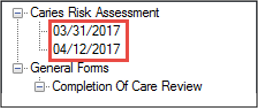
Single instance forms can only be entered on a patient’s record once. The answers can be updated, but the patient cannot have more than one on file. Example: A medical history form should only be added to a patient’s account once, and then updated at each subsequent visit. Multi-instance forms can be entered on a patient’s record more than once. Some treatments require a new form each time the treatment is performed. Multi-instance forms are displayed under the name of the form, ordered by their completion dates.
|