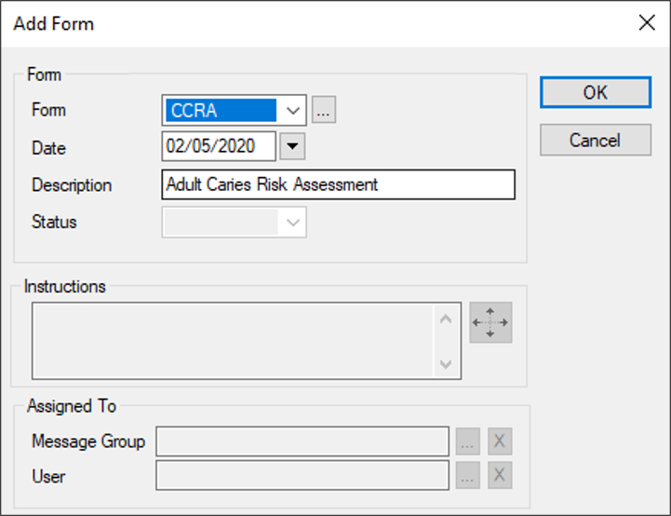
Add Provider Assignment Forms
|
If necessary, you can add forms that gather additional information for the assigned provider. Note: These forms are not clinical in nature.
Tip: You can also click the Modify Record (
|
 ) icon > Personal tab > Providers button to display the Provider Assignments window.
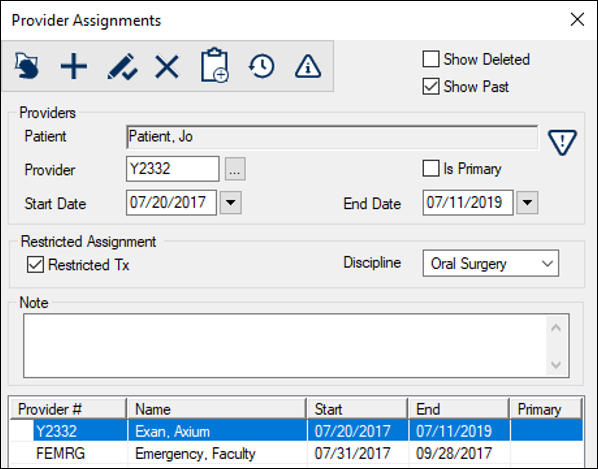
 ) icon to display the Add Form window.