Add Sticky Notes
|
You can add sticky notes from a variety of places in axiUm including the Tools menu, the Patients module > Patient Card window, the Scheduler module, and the Transactions module. To add a sticky note:
 Access from the Tools menu
Access from the Patients module Access from the Tools menu
Access from the Patients module
Access from the Transactions module
Access from the Scheduler module
Note Display Options
A Sticky Note numbered icon (
Tip: When working in the Scheduler in Book mode, sticky notes can be attached to the selected clinic when in the Chair tab and attached to the selected book when in the Active tab. When working in Chair mode, sticky notes can be attached to the selected clinic, regardless of whether you are in the Chair or Active tab. |
 ) icon to display the Patient Card window.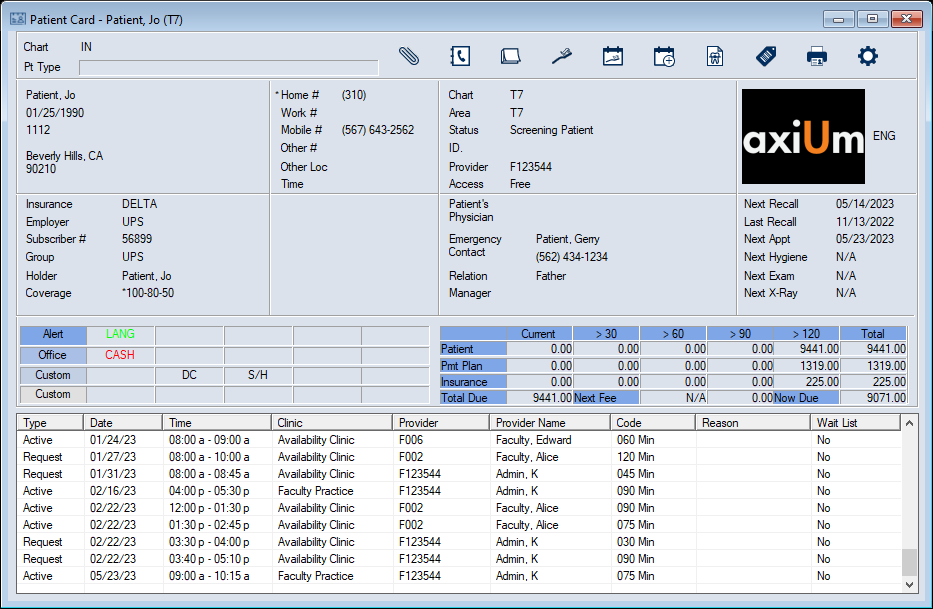
 ) icon.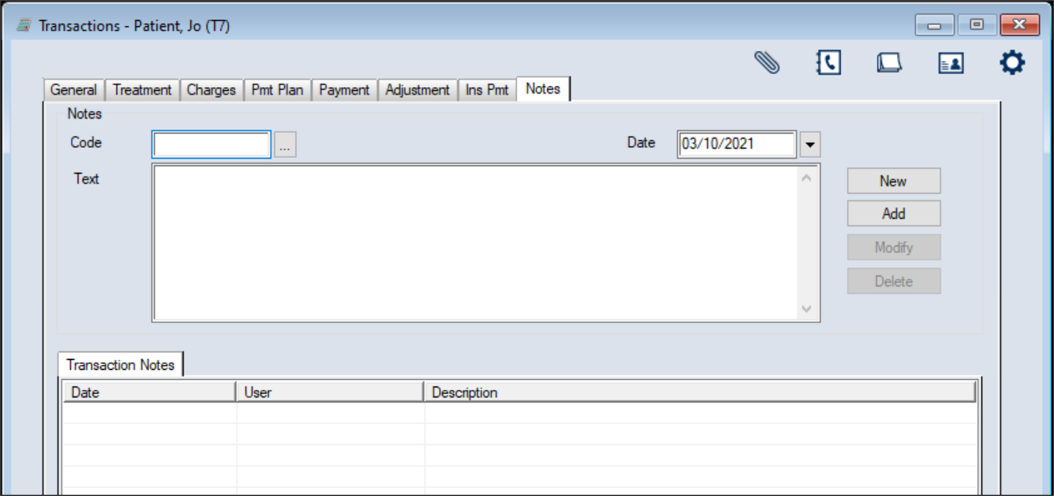
 ) icon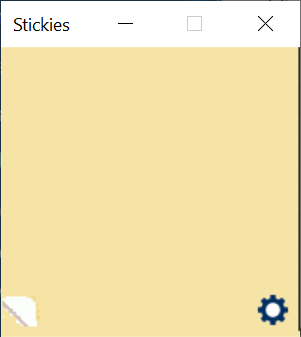
 ) icon to display the Note Options window.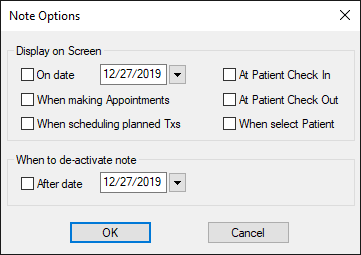
 ) displays in the area and indicates the number of notes present.