Sticky Notes
|
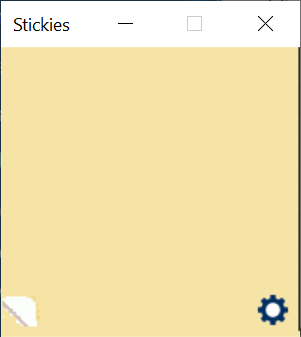
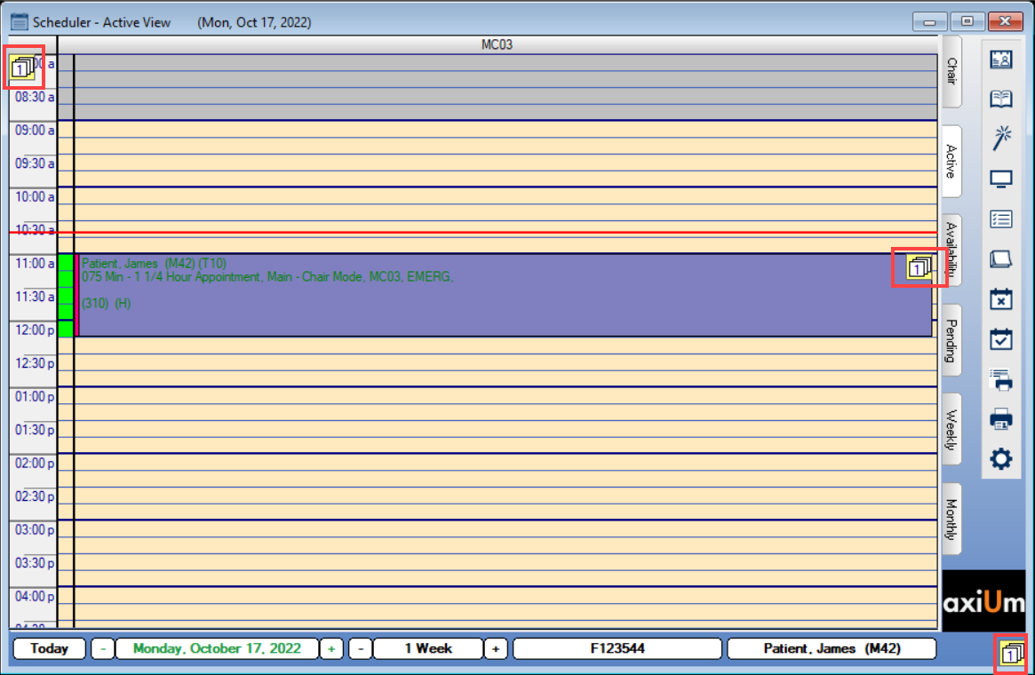
Like the paper version, sticky notes are used to store and display small pieces of important information and can be used as reminders for you or other users. They can be placed throughout axiUm or be tied to a specific module, area or patient record. Example: In the Scheduler module, sticky notes can be dragged and attached to a book/clinic (top left), an appointment (middle), or as a general scheduler note that displays for all users (bottom right).
You can add a sticky note manually or axiUm can be configured to auto-create a note when specific events occur. Example: If a patient indicates that their address is incorrect, this triggers a sticky note. Depending on their settings, sticky notes display quietly in the background as small, numbered icons that indicate the number of notes waiting or pop-up at certain times including:
|