Delete Remittance Responses
|
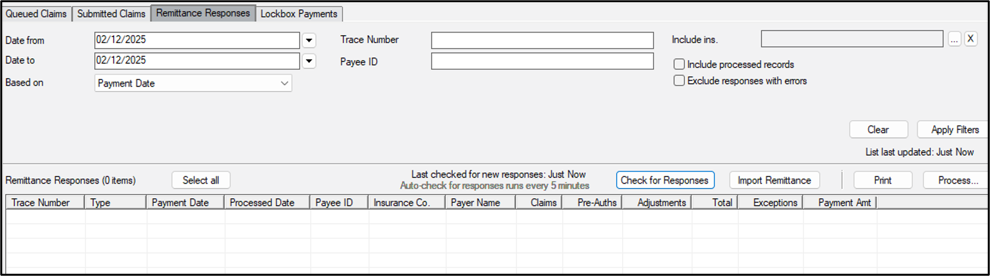
Important: Claims Service version 2.1.0 is required to use this feature. In some situations, an institution may receive remittance responses for non-dental claims. If this occurs, you can delete the responses that apply to non-dental claims. Example: Your dental school may share a Tax ID with a university hospital. Warning: You cannot delete remittance responses once they have been auto-processed. It may not be immediately obvious that a remittance response is for a non-dental claim. When necessary, we recommend you preview the imported responses using the Remittance Report prior to deleting a remittance response. To delete a remittance response:
Tip: You can use the Remittance Report to review remittance responses and identify non-dental claims. Tip: You can multi-select more than one response. |