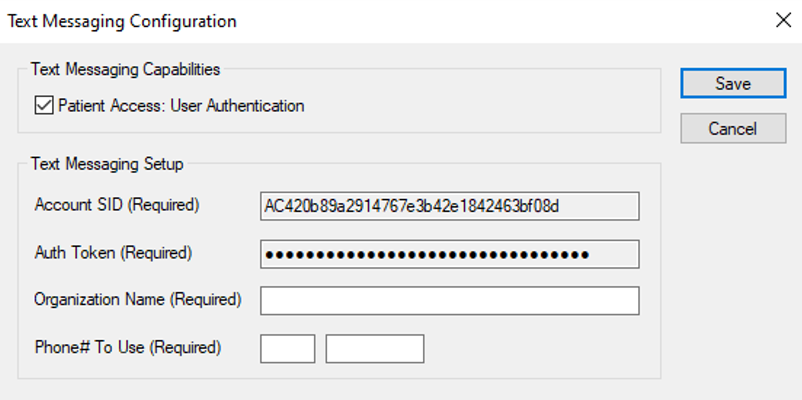
Text Messaging Configuration
Text Messaging Configuration WindowThe Text Messaging Configuration window allows you to configure axiUm to use one-way text messages and enable the text messaging functionality so that axiUm sends a text message with a verification code to patients when they register or reset their password for PatientAccess. Note: During patient registration and/or password resets, the patient can still choose to receive the verification code via email. Important: You must work with axiUm Support or Professional Services to register your 10DLC number for A2P prior to configuration in axiUm. For more information, contact axiUm Support or Professional Services.
 Text Messaging Configuration - Field Definitions Text Messaging Configuration - Field Definitions
Note: All fields are required. If any are not completed or incorrect, text messages will not be sent.
Text Messaging Configuration - Tasks
|