Messenger Groups
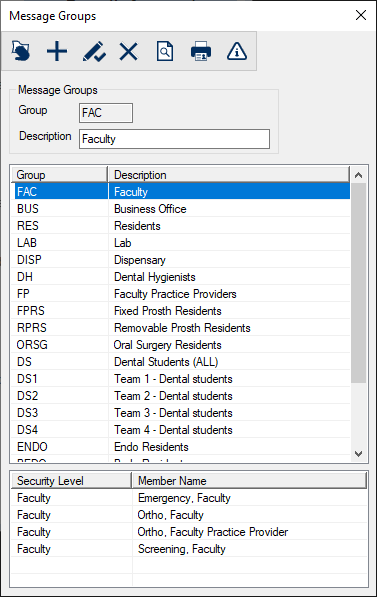
Message Groups Window[Accessed from Maintenance > Office > Messenger Groups] The Message Groups window allows you to create groups of users, similar to distribution lists, so that users can easily send messages to multiple users.
 Message Groups - Field Definitions Message Groups - Field Definitions
Message Groups - Tasks
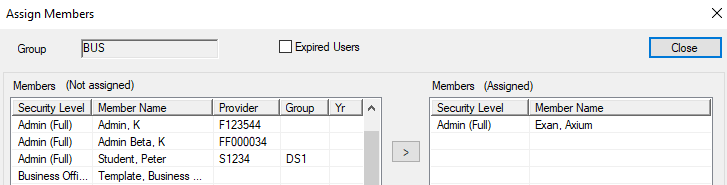
Assign Members Window[Accessed from Maintenance > Office > Messenger Groups > Assign Members( The Assign Members window allows you to specify the users to include in the selected message group. It displays when you open the Message Groups window, select a listed group and click the Assign Members(
Assign Members - Tasks
|
 ) icon.
  ) icon.
 ) icon to display the
  ) icon.
  ) icon.
  ) icon.
  ) icon.