Manage Claims
|
Claims outline the procedures performed on patients and the amounts charged. In order to collect insurance amounts for procedures, you must batch and submit all claims to the correct insurance companies. Note: Batching groups a claim with other claims and indicates that it is ready to be submitted to insurance. This makes claim management easier. Tip: axiUm may be configured to auto-batch all treatments/claims to the Print Held window or the EDI Claims window once a treatment has been approved. This is set from the Maintenance > Office > Practices > Practice Options > Auto batch claim upon Patient Approvals checkbox. There are two reasons to batch and submit a treatment to insurance:
Note: Treatments that require pre-authorization are determined during setup. Important: In some cases, coverage may be partially or fully denied. The patient must be informed of the decision before treatment can begin. Important: In some cases, coverage is partially or fully denied, and the payment received reflects this decision. Note: The timing of when treatment should be submitted depends on your institution’s workflow and the insurance company receiving the claim. Example: A treatment has multiple step codes and requires several visits. A claim is submitted to the insurance company after each visit occurs until the treatment is complete. Claims can be submitted to an insurance company in one of two ways:
Important: All electronic claims must later be submitted via the EDI Claims module or Maintenance > System > Processes > EDI Claims window. Important: If holding to print at a later date, paper claims must be printed via the Maintenance > System > Processes > Print Held Claims window.  Submit Planned Treatments for Pre-Authorization Submit Planned Treatments for Pre-Authorization
Some insurance companies need to review certain treatments before providing coverage for them. Important: You can only submit planned treatments for pre-authorization.
Enter Received Pre-Authorizations
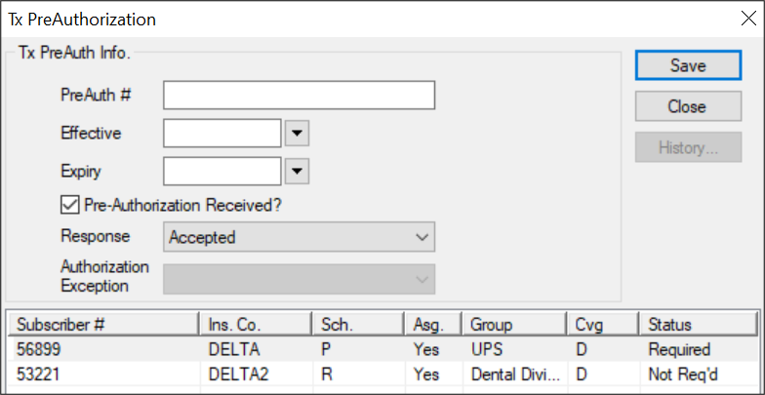
After submitting a planned treatment for review, you can enter the pre-authorization response you received from the insurance company.
Batch Treatments/Claims
Batching groups a claim with other claims and indicates that it is ready to be submitted to insurance. Because a claim can only hold treatments for a single patient, submitting/printing claims individually would be cumbersome and time consuming; marking claims as batched allows them to be submitted/printed in larger groups which are easier to manage. Treatments display in green text if they are not yet batched and have not been submitted to insurance.
Rebill Treatments/Claims
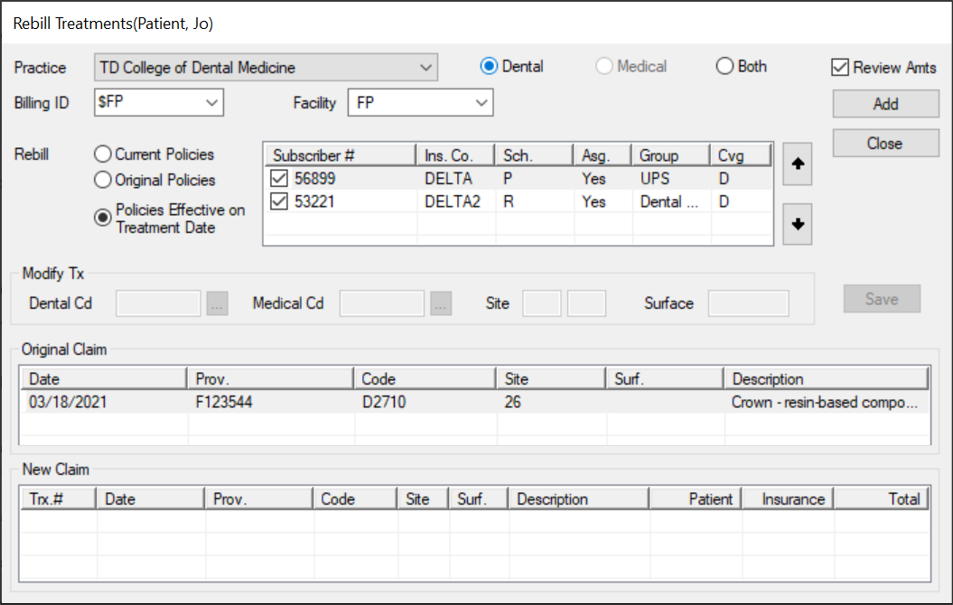
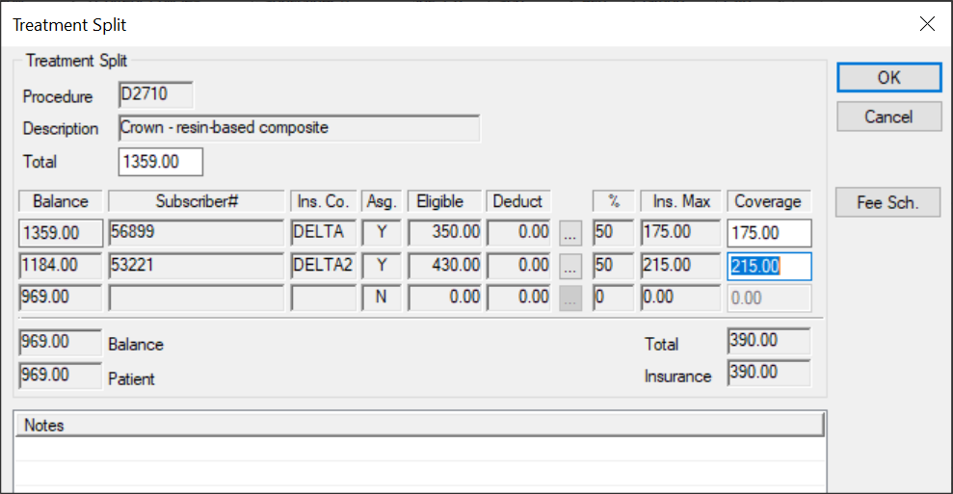
If treatments have already been submitted to insurance and you must make changes to the treatment details, you must rebill the treatment/claim. Example: If insurance information that affects the claim was entered incorrectly into axiUm, you must make the necessary changes in axiUm, then rebill the claim/treatment to apply those insurance changes. Important: Because any changes made to insurance, procedures, or fee guides do not automatically affect submitted claims, you must rebill any claims impacted by the changes. Depending which information was changed, you can choose to rebill the entire claim or just a treatment within that claim. If rebilling an entire claim, axiUm rebills all treatments on the same claim number. If rebilling a treatment, axiUm rebills only the selected treatment within that claim. To rebill treatments/claims:
Note: Depending on the changes that are necessary, this may require leaving the Transactions module or accessing another module from within the Transactions module. The Rebill Treatments window displays and the treatment(s) display in the Original Claim area.
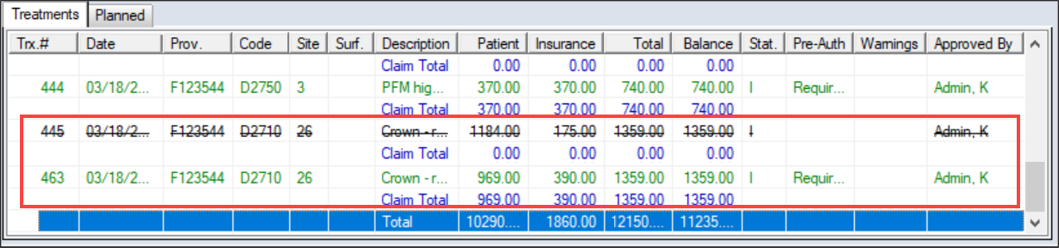
The original record is now struck out and a new record displays in the list.
|