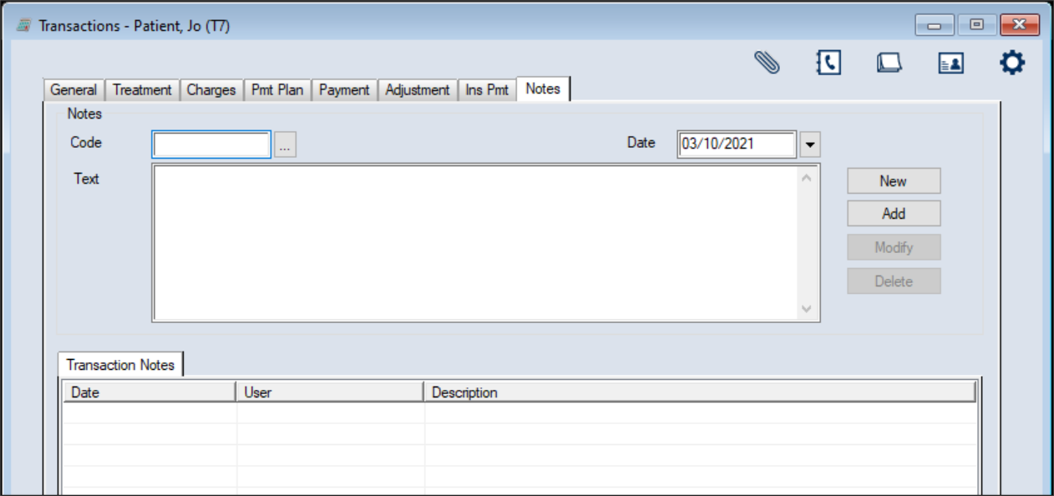
Manage Patient Notes

  1. Select a patient and open the Transactions module.
  2. Click the Notes tab > Transactions Notes sub-tab and review the listed records.
  3. To add a new note:
    1. Click the New button.
    2. Complete the Notes fields as necessary and click the Add button.
  4. To perform another task, complete one of the following:
  5.