View Claim History
|
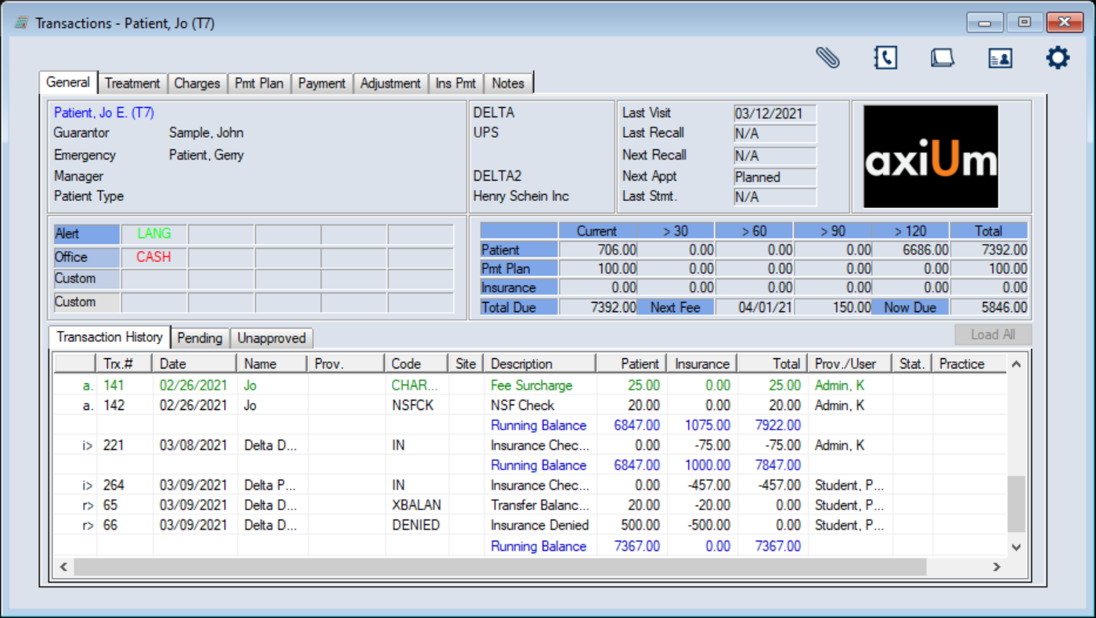
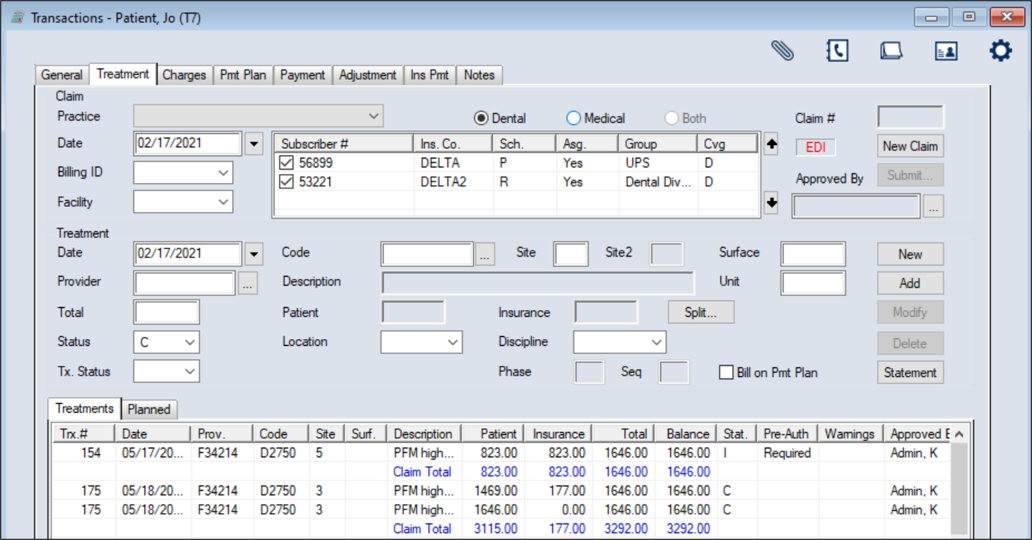
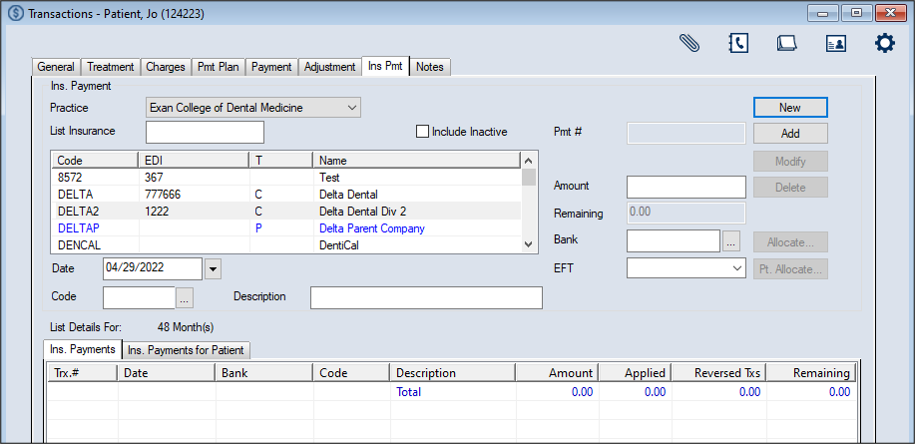
You can view the claim history for treatment records from the General, Treatment, or Insurance Payment tab. To view the claim history:
 Locate on the General Tab Locate on the General Tab
Locate on the Treatment Tab
Locate on the Insurance Payment Tab
Tip: If the claim was previously dropped to paper and printed, you can also click Reprint. |