Delete Patient Notes
|
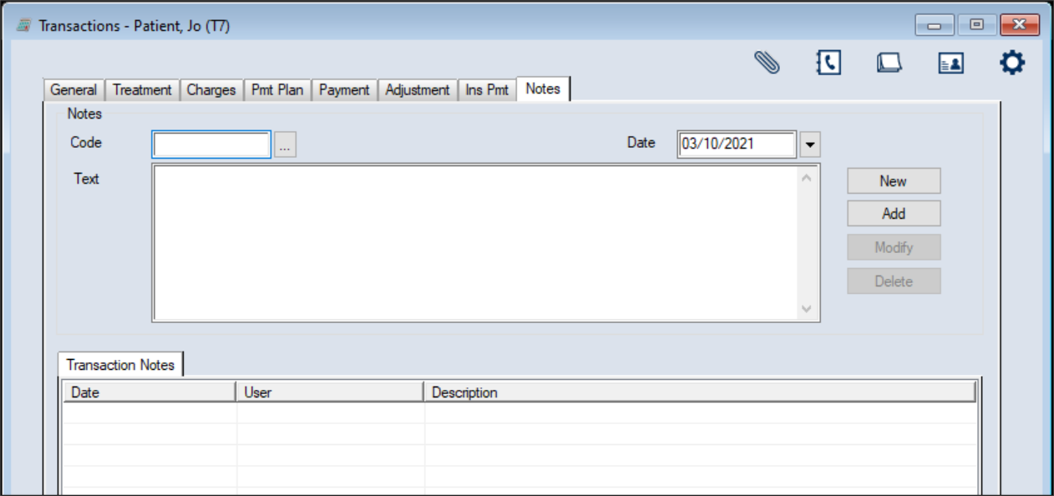
When necessary, you can delete patient notes from the Transactions module > Notes tab. To delete a patient note:
|
|
When necessary, you can delete patient notes from the Transactions module > Notes tab. To delete a patient note:
|