Unreserve Chairs

You can unreserve chairs from the Scheduler > Chair tab.

Note: When working in Availability mode, this task is not applicable.

To unreserve a chair:

  1. Open the Scheduler module and click the Chair tab.
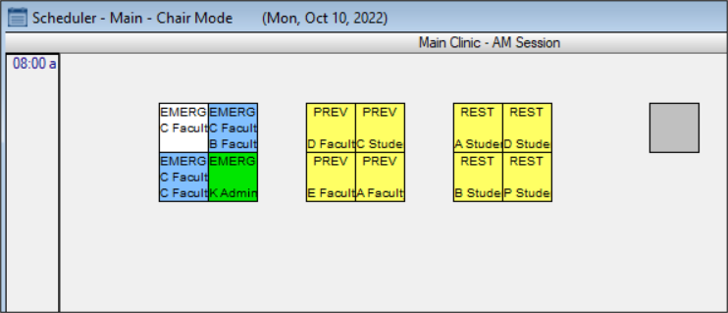
  2. Review the clinic layout.
  3. Complete any of the following:

    • To remove a primary provider’s reservation, right-click a reserved chair and select Unreserve Chair.

    • Note: Removing the primary provider reservation automatically removes any secondary provider reservation.

    • To remove a secondary provider’s reservation, right-click a reserved chair and select Unreserve Second Provider.