Select Patients
|
You will often need to select a patient from within the Scheduler module. Depending on your needs and workflow, you can use one of several methods to select patients from within the Scheduler. Note: Depending on the method used, this may select the patient only in the Scheduler or it may change the selected patient for all of axiUm.
 Quick-Select Patients in the Scheduler Quick-Select Patients in the Scheduler
Note: This method is not typically applicable to Availability mode. Select Patients (Scheduler Only)
You can easily search for and select a patient in the Scheduler.
Tip: If the correct patient is already listed in the selection list, double-click the patient name to select and close the window. Select Patients (All axiUm)
In some cases, you may want to select a patient and apply that change to the rest of axiUm as well.
Add New Patients
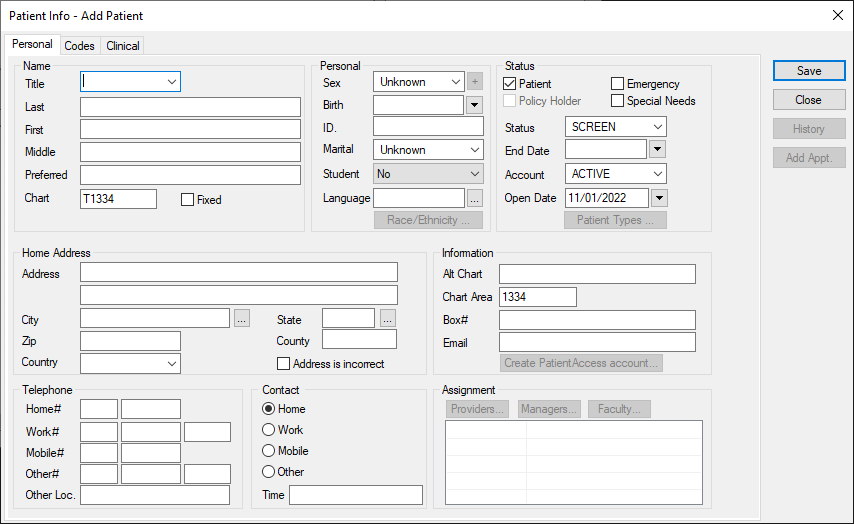
If a patient is not found when you perform a search, you can add a new patient.
|
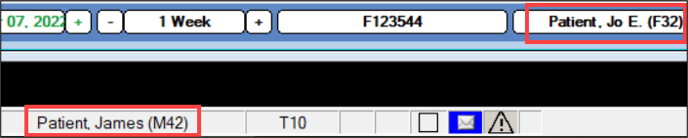
 ) icon to display the Select Patient window.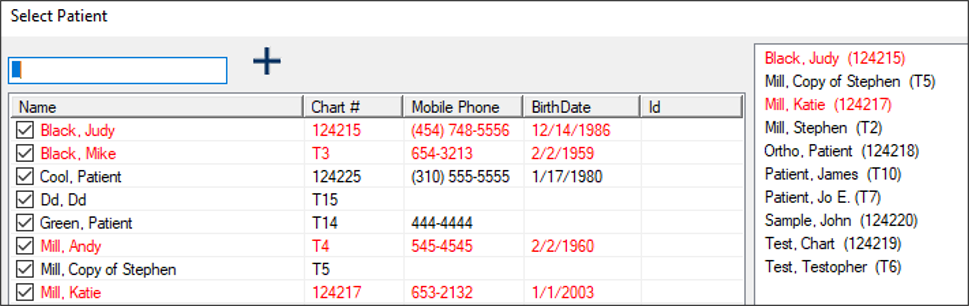
 ) icon to display the Patient Info – Add Patient window.