Search for Patient Recalls
|
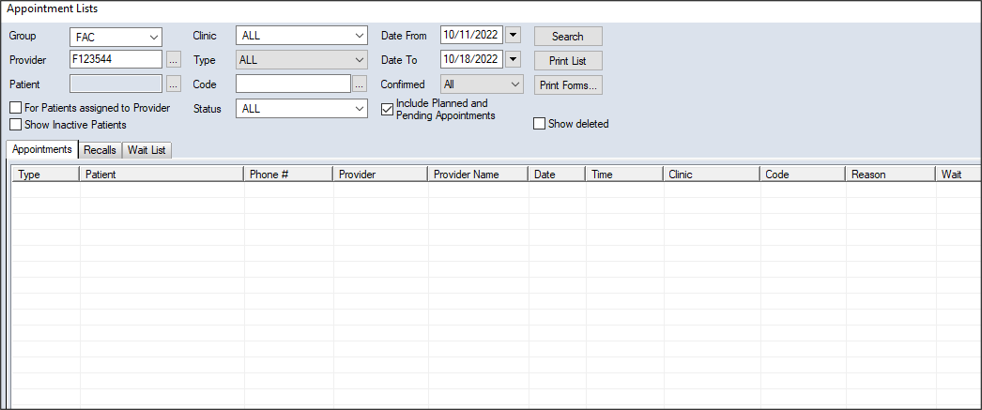
You can search for recalls from the Scheduler > Appointment Lists window > Recalls tab. To search for a recall:
 Search Fields Search Fields
Note: Some fields are only available from specific tabs.
|
 ) icon to display the Appointment Lists window.