Reserve Chairs for Secondary Providers
|
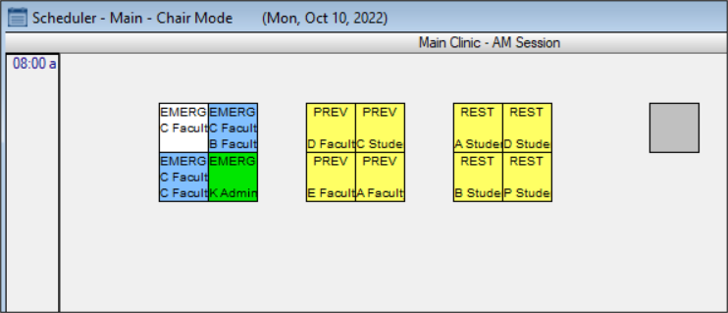
Some chairs/appointments may require a secondary provider to assist the primary provider. You can reserve chairs for a secondary provider from the Scheduler > Chair tab. Note: If there are multiple partial reservations in the chair during the session, the provider is added to all. Tip: Chairs reserved with a second provider display an (*). Note: When working in Availability mode, this task is not applicable. To reserve a chair for a partial session:
|