Reserve Chairs for Partial Sessions
|
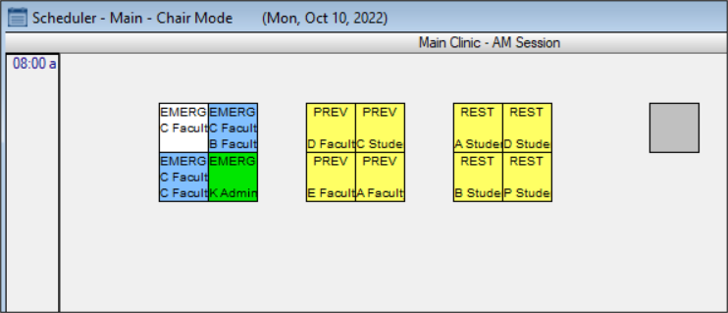
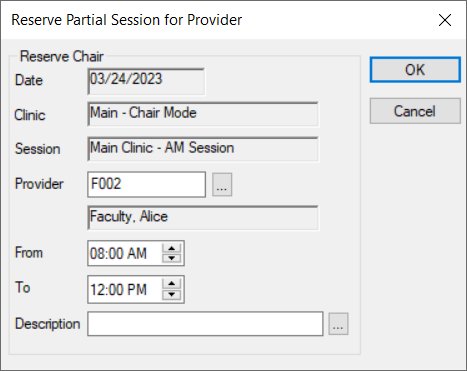
You can reserve chairs for a partial session from the Scheduler > Chair tab. Note: When working in Availability mode, this task is not applicable. To reserve a chair for a partial session:
Note: This option is only enabled if the Scheduler Options window > Chair Labels section > Enable Partial Reserve on Chair Tab checkbox is selected.
|