Move Chair Reservations

When necessary, you can move a reservation (provider and their patient) to another chair in the current clinic or a different clinic.

Note: Reservations can be moved between sessions, but not between different dates.

You can move chair reservations from the Scheduler > Chair tab.

Note: When working in Availability mode, this task is not applicable.

To move a chair reservation:

  1. Open the Scheduler module and click the Chair tab.
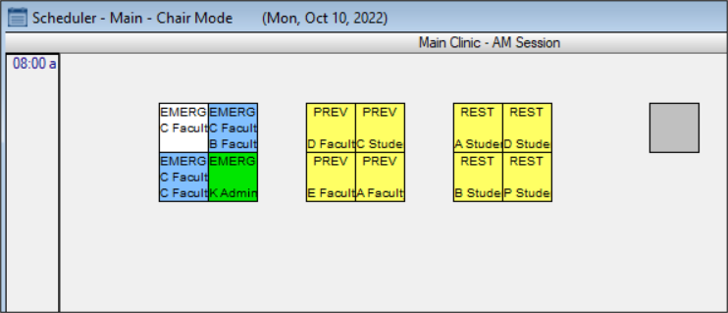
  2. Review the clinic layout.
  3. Right-click a reserved chair and select Move Reservation.

  4. Complete any of the following:

    • To move to a chair in the current clinic:

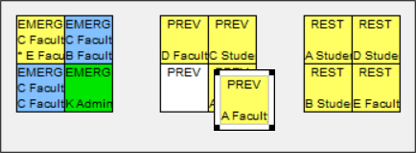
      1. Click and drag the cell to an empty chair.

      2. Double-click to re-assign the reservation.

    • To move to a chair in another clinic:

      1. Right-click and choose Select Clinic… to display the Clinics window.

      2. Select a listed clinic, then drag the cell to an empty chair.

      3. Double-click to re-assign the reservation.

      Tip: To cancel a move, right-click the cell and select Cancel.