Change Dates
|
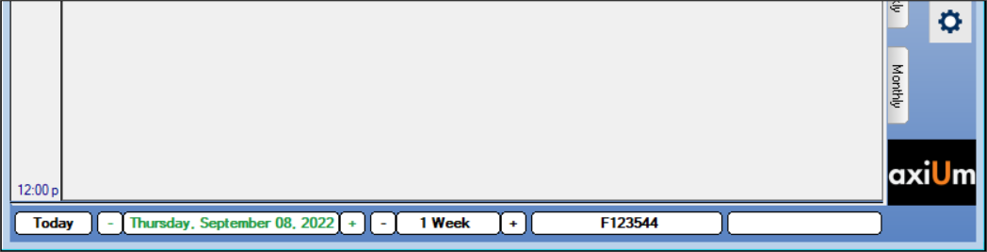
Working in the Scheduler requires you to change dates often as you review and manage provider and/or clinic schedules. You can use the navigation bar from any tab to quickly change the date you need to review. The navigation bar displays along the bottom of the Scheduler window, regardless of which tab is open.
To change the date:
 Change to Today's Date
Change to a Specific Date
Change Dates Using One-Day Increments
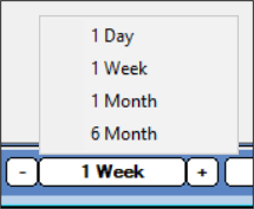
Change Dates Using Other Increments Change to Today's Date
Change to a Specific Date
Change Dates Using One-Day Increments
Change Dates Using Other Increments
|