Change Clinics
|
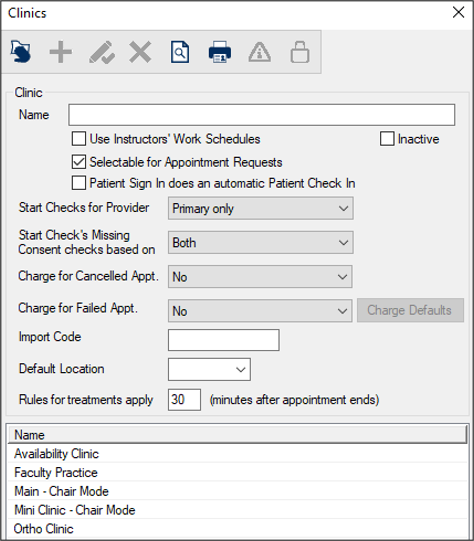
When working in the Scheduler, you may need to change which dental clinic you are viewing. You can change the clinic from the Scheduler > Chair tab. To change the clinic:
Tip: You can also right-click the clinic layout and choose Select Clinic… to display the window. Note: The (
Note: Depending on your role, you may also be able to add, modify, or delete clinics. In most cases, these options will be disabled via PowerAdmin. |
 ) icon to display the Clinics window.