Cancel Chair Reservations for Academic Reasons

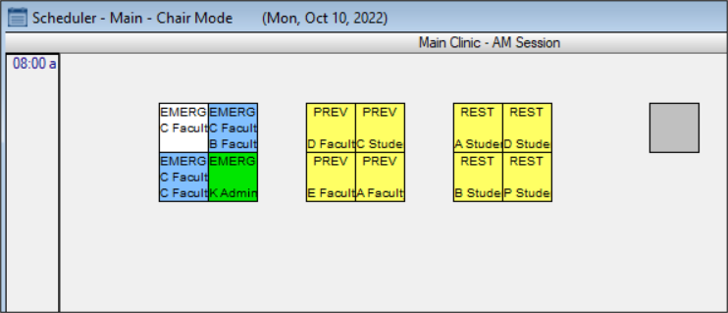
When necessary, you can cancel a chair reservation for instructor-approved reasons from the Scheduler > Chair tab.

Example: Bad weather will prevent most students from attending school that day.

Notes

  • This works in conjunction with the Clinics window > Charge for Cancelled Appt. field.

  • When working in Availability mode, this task is not applicable.

To cancel a reservation for academic reasons:

  1. Open the Scheduler module and click the Chair tab.
  2. Review the clinic layout.
  3. Right-click a chair and select Academic Cancellation.