View User Form History
|
You can view the user form history from the Personal Planner. To view a user form history:
The Date list displays all the form’s change dates. |
 ) icon to display the User Forms window.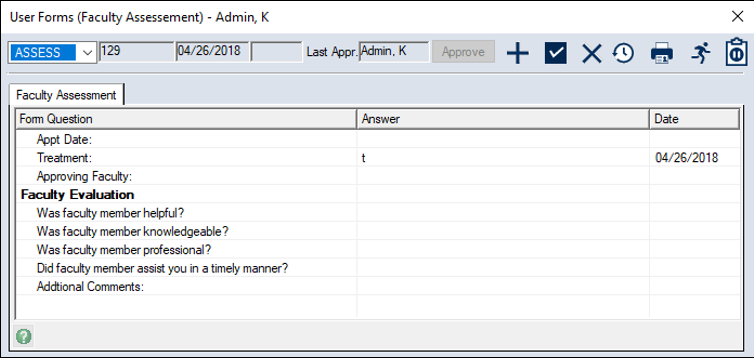
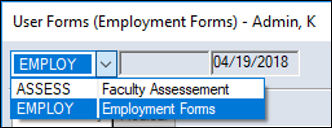
 ) icon to display the Select Form History window.
|
You can view the user form history from the Personal Planner. To view a user form history:
The Date list displays all the form’s change dates. |