Review User Forms
|
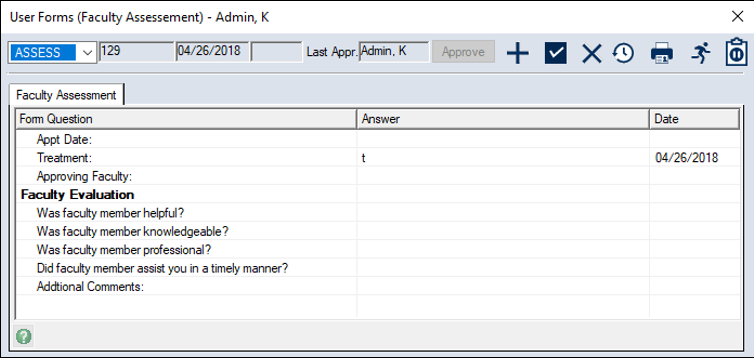
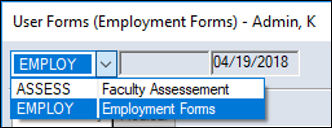
You can review user forms from the Personal Planner. To review a user form:
Tip: To mark a whole page as reviewed, right-click a question and select Page Reviewed. In the Date column, the time changes to the current time. If you updated the answer and it now requires approval, the text displays in blue. |
 ) icon to display the User Forms window.