Skip To Main Content
Account
Settings
Logout
placeholder
Account
Settings
Logout
Filter:
All Files
Submit Search
You are here:
Print User Forms
You can print user forms from the Personal Planner.
To print a user form:
Open the Personal Planner module to the
Lists
tab and click the
User Forms
(
) icon to display the
User Forms
window.
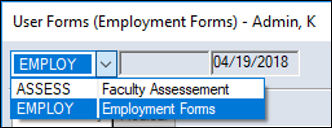
Select an existing form from the drop-down list .
Click the
Print Report
(
) icon.
 ) icon to display the User Forms window.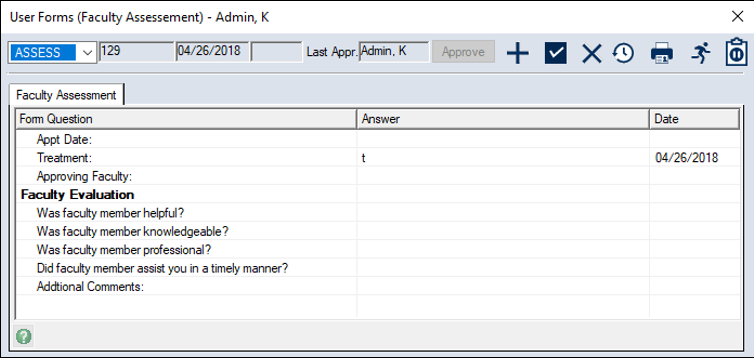
 ) icon.