Print the List of Patient Needs
|
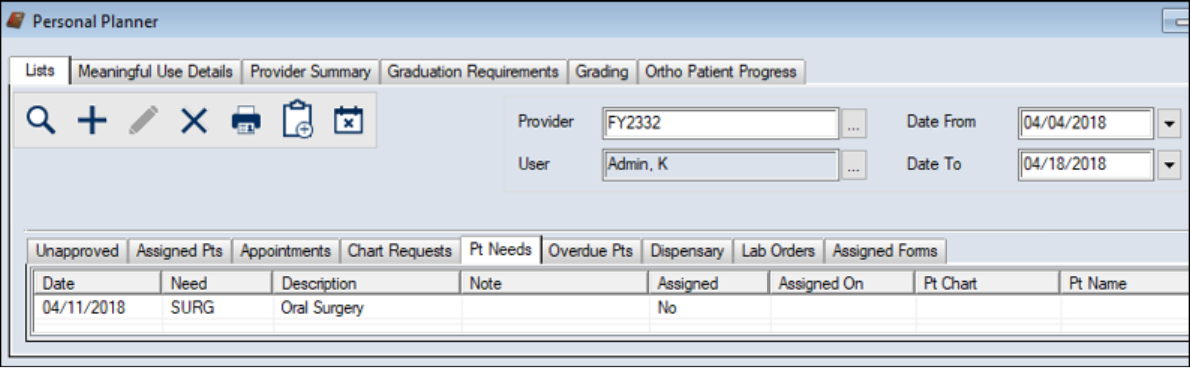
You can print a list of patient needs from the Personal Planner > Lists tab > Pt Needs sub-tab. To print the list of patient needs:
Tip: If you want to view needs within a specific range, set the Date From and Date To fields. Note: If you have access, you can edit the User and Provider fields to view needs for a different provider. |
 ) icon to display your list of needs.
 ) icon.