Online Appointment Requests
|
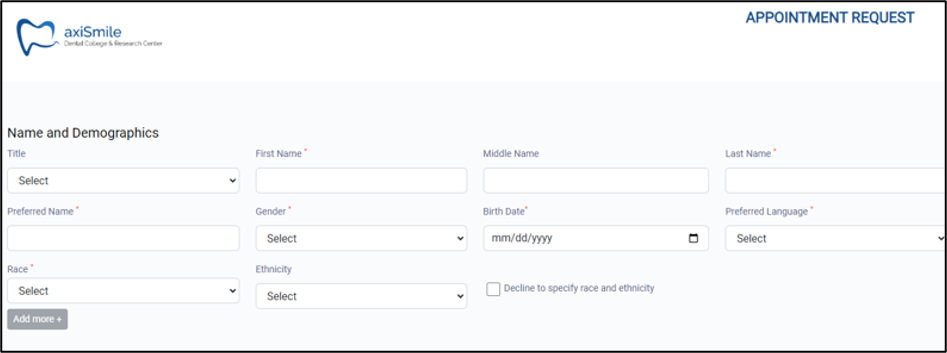
Online appointment requests allow prospective or existing patients the convenience to request their own appointments. Your institution must determine which approach best meets its needs. Important: You cannot use Online Appointment Requests for both types of patients.
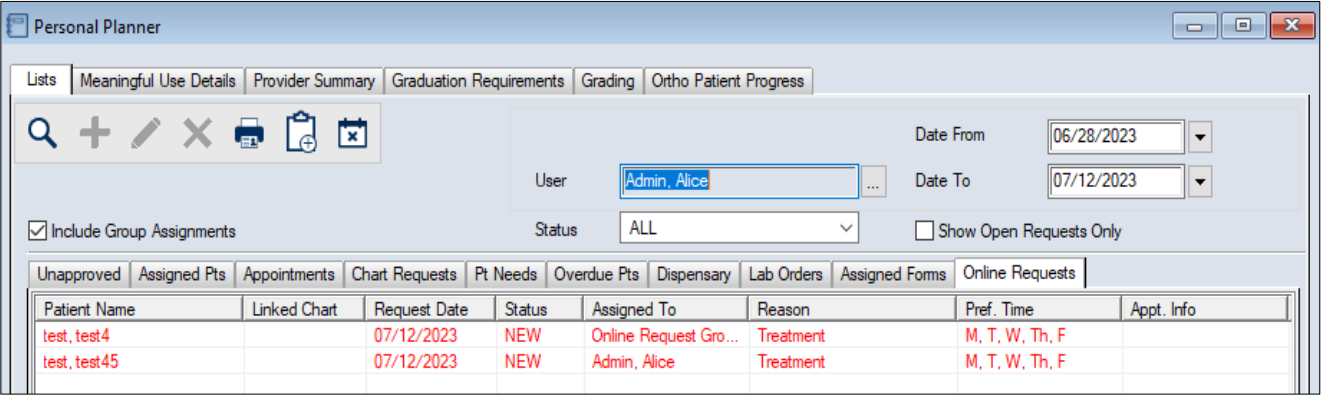
Once requests are submitted, they are received and processed via the Personal Planner module > Online Requests tab. From here, you can search for requests, review requests, and manage requests as needed. Note: Prior to 2025.3, the Online Requests tab was only available for institutions that purchased PatientAccess 2.0.  Access Access
Online Appointment Requests are accessed through the Personal Planner module > Online Requests tab. You can open online appointment requests in the Personal Planner module using one of the following methods:
Organization
The Personal Planner module > Online Requests tab is made up of an upper pane and a lower pane. The upper pane contains a variety of search criteria fields and activity buttons.
Reports
You can run a custom report from the Info Manager module > Clinic Mgt tab to help monitor online appointment request activity. You use this report the same as other Info Manager reports. You can customize, create, filter, save, and print or export it.
|
 ) icon, then click the Online Requests tab.