Delete User Forms
|
When necessary, you can delete user forms from the Personal Planner. To delete a user form:
|
 ) icon to display the User Forms window.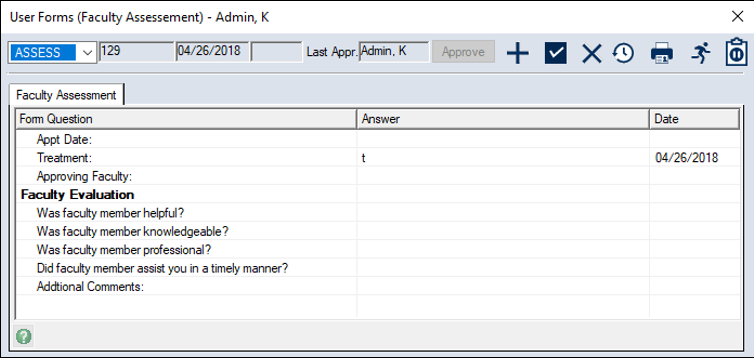
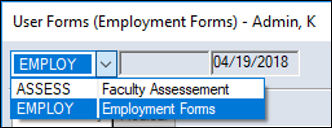
 ) icon.
|
When necessary, you can delete user forms from the Personal Planner. To delete a user form:
|