View Perio Status History
|
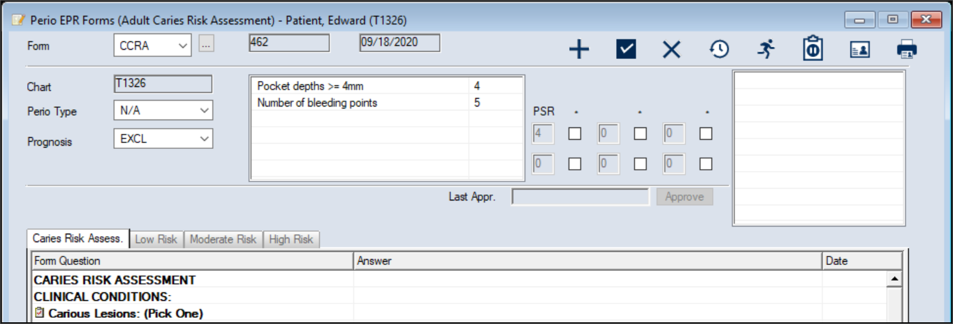
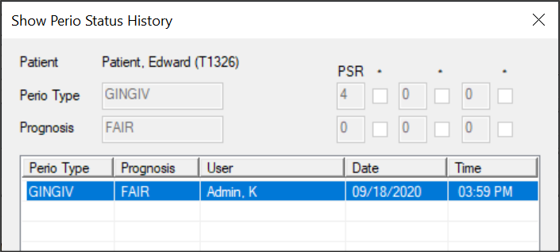
You can review past perio statuses and PSR scores. To view the perio status history:
Note: If the patient does not have any perio exams on file yet, the fields are blank.
|
 ) icon to display the Perio EHR Forms window.