Update Treatment
|
Procedures entered on a patient’s chart will often be updated as they progress from P > I > C status, or to reflect any changes to the treatment as it progresses. If a procedure is not completed within a certain amount of time, it may become outdated and need to be modified, inactivated, or deleted. To update a treatment:
|
 ) icon to display the Perio Tx History window.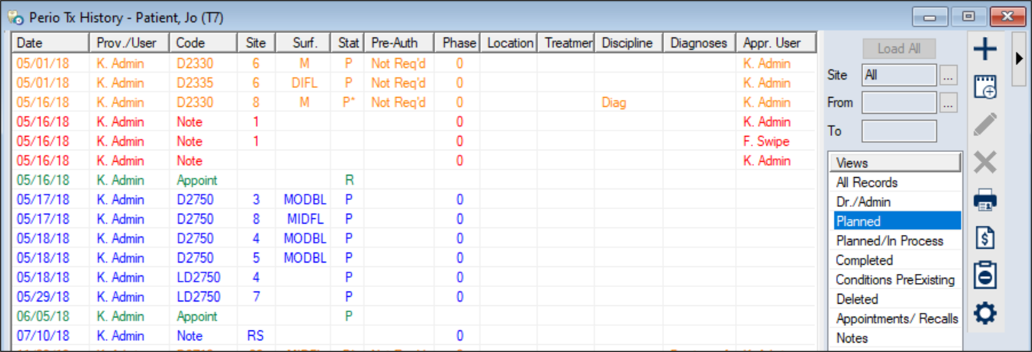
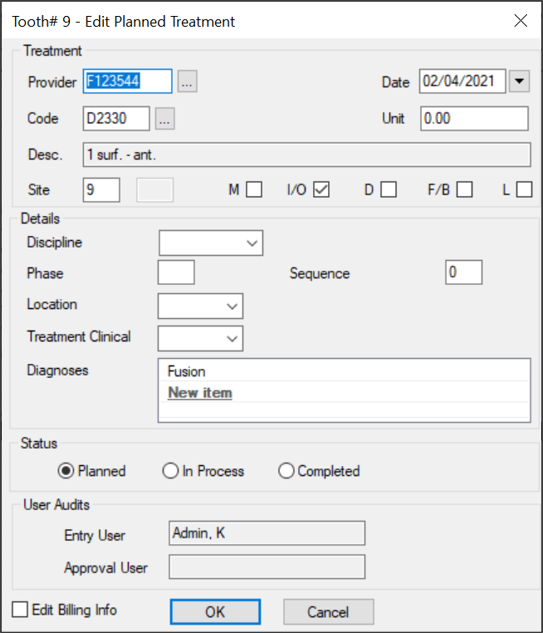
 ) icon to display the Edit Treatment window.