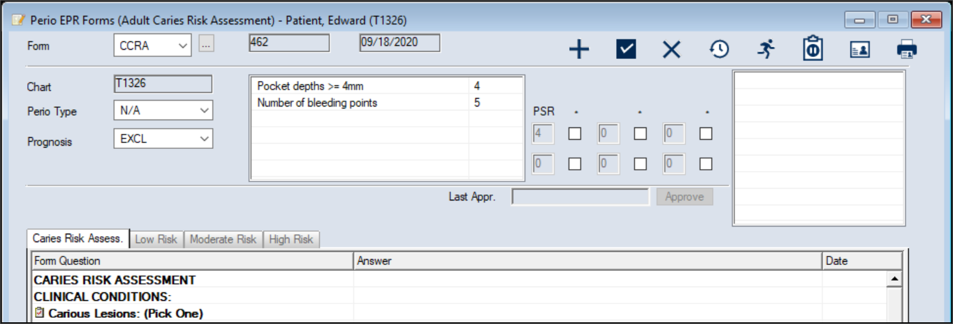
Review Medical Alerts
|
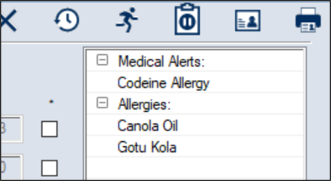
If the patient has any medical alerts on their record, they can display in the available text box on the Perio EHR Forms window. Note: Medical alerts only display if the EHR Display Options window > Medical Alerts checkbox is selected during setup.
To review medical alerts:
Note: If the patient does not have any perio exams on file yet, the fields are blank.
|
 ) icon to display the Perio EHR Forms window.