Use the Patient Selection List
|
The patient selection list serves as a list of patients you can quickly access to save time and avoid repeatedly searching for patients. Note: Depending on your role and institution, your selection list may pre-populate each day with patients that have scheduled appointments. To use the patient selection list:
 Add Patients to the List Add Patients to the List
Note: If an overnight process is set up, the patient remains in the selection list until the overnight process clears it or you can clear it manually. Note: This checkbox differs from the checkbox in the search results that indicates if this is a patient. Remove Patients from the List
The patient disappears from the selection list. Tip: To remove multiple patients at once, deselect all necessary patient checkboxes, right-click, and select Deselect All. View Another User’s Selection List
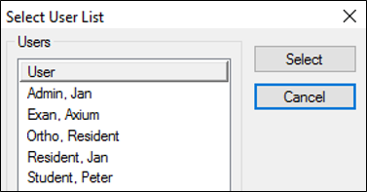
Depending on your role, you may need to view or work from another user’s selection list.
Your selection list is replaced with the other user’s list. |