Specify Address is Incorrect
|
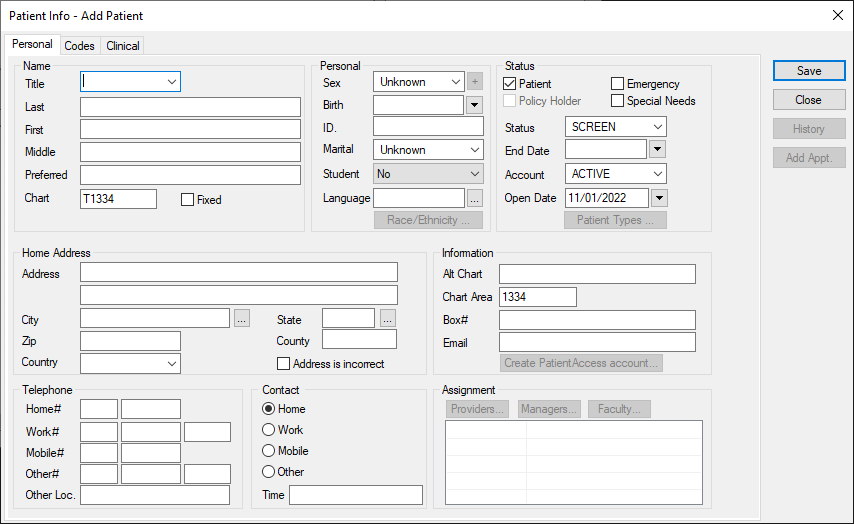
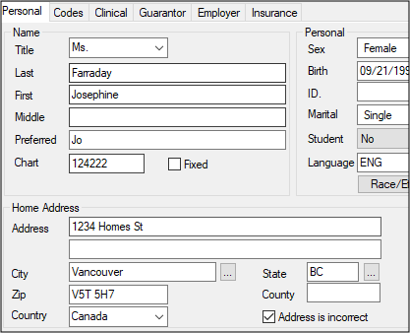
If the home address attached to a patient record is incorrect, you can mark it as incorrect until the correct address can be added.
A sticky note is generated and remains on the Patient Card window as a reminder to update to the correct address |