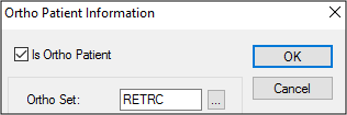
Set as Ortho Patient
|
When a patient is specified as an ortho patient, they receive ortho-specific treatment because scheduling, clinical aspects, and billing are completed differently. If a patient is an ortho patient, you must indicate their current set as it tracks their progression through their treatment. To set as an ortho patient:
Tip: You can also display the Ortho Patient Information window from the Patients window > Patient Card window > Ortho Information (
Note: To remove an ortho program, deselect the Is Ortho Patient checkbox. |
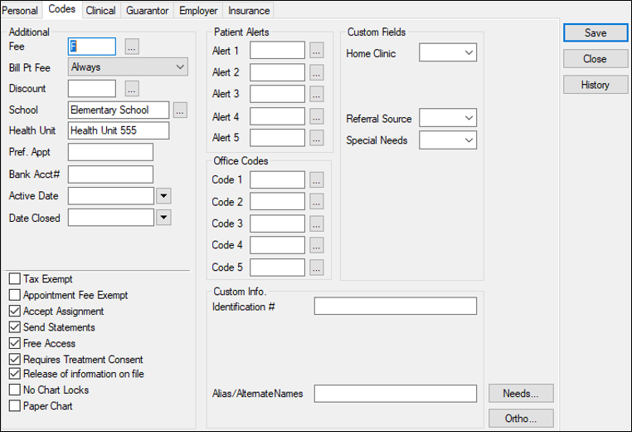
 ) icon.