Remove Guarantors from Patient Records
|
Occasionally you may need to remove a guarantor from a patient record. Example: A guarantor may no longer be responsible for a patient. To remove a guarantor from a patient record:
Note: All patients much have a guarantor marked as primary. If necessary, another guarantor can be added and marked as primary. The guarantor is removed from the patient record. |
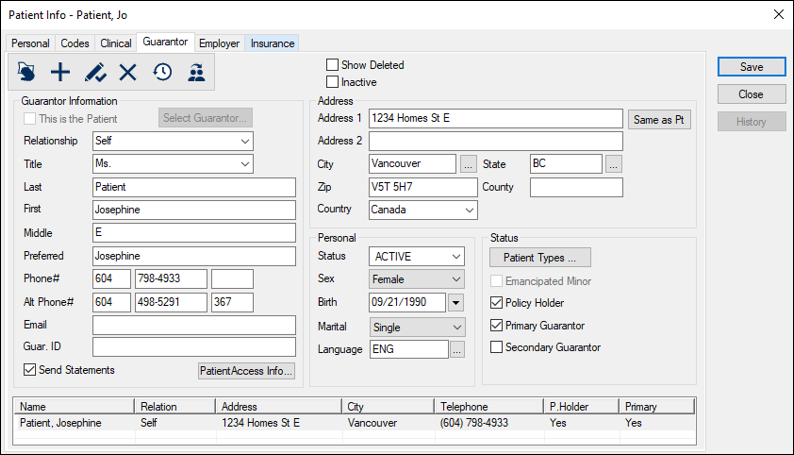
 ) icon.