Remove Employers from Patient Records
|
Warning: If a benefit plan is attached to an employer, you cannot remove the employer from the patient record until you remove the plan from the patient record. To remove an employer from a patient record:
If associated with other patient records, the employer is removed from the patient record, but remains in axiUm. If the employer is not associated with other patient records, a second prompt displays, asking if you want to delete the employer record. |
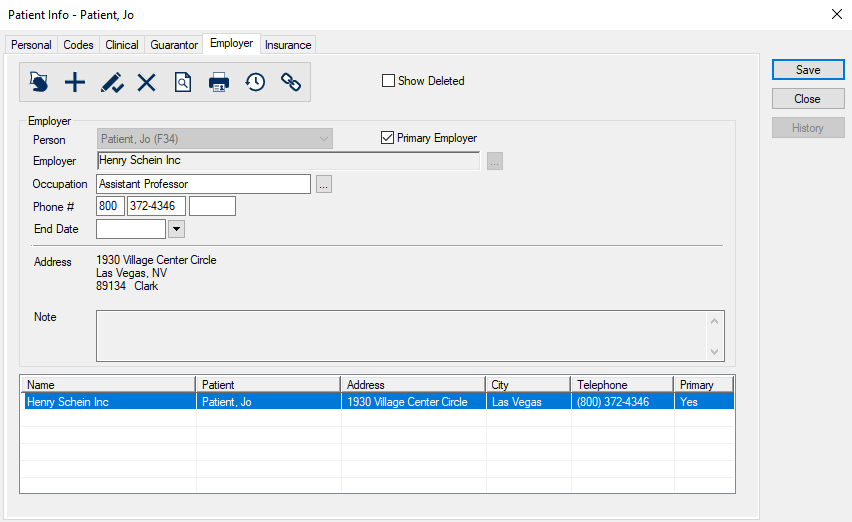
 ) icon.