Skip To Main Content
Account
Settings
Logout
placeholder
Account
Settings
Logout
Filter:
All Files
Submit Search
You are here:
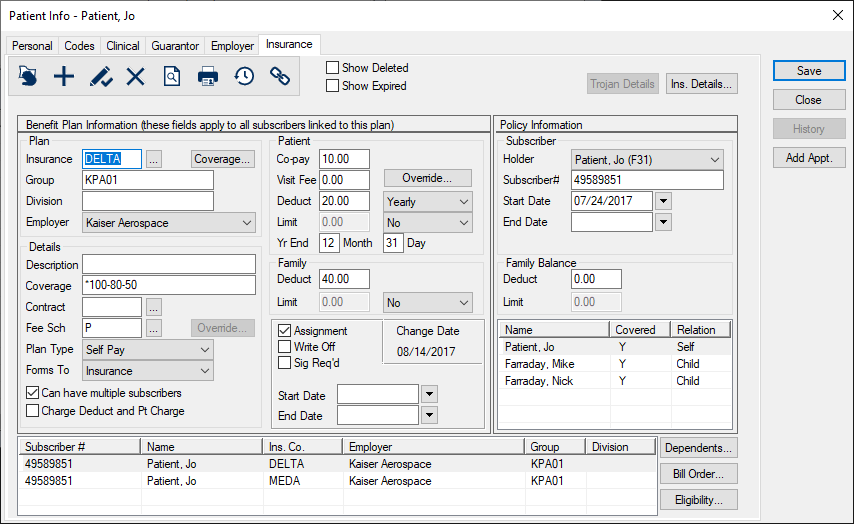
Remove Benefit Plan Information from Patient Records
Select a patient and open the
Patient Info
window >
Insurance
tab.
Click the
Delete Record
(
) icon.
When prompted, click
Yes
to confirm your deletion.
 ) icon.