Manage Referrals
|
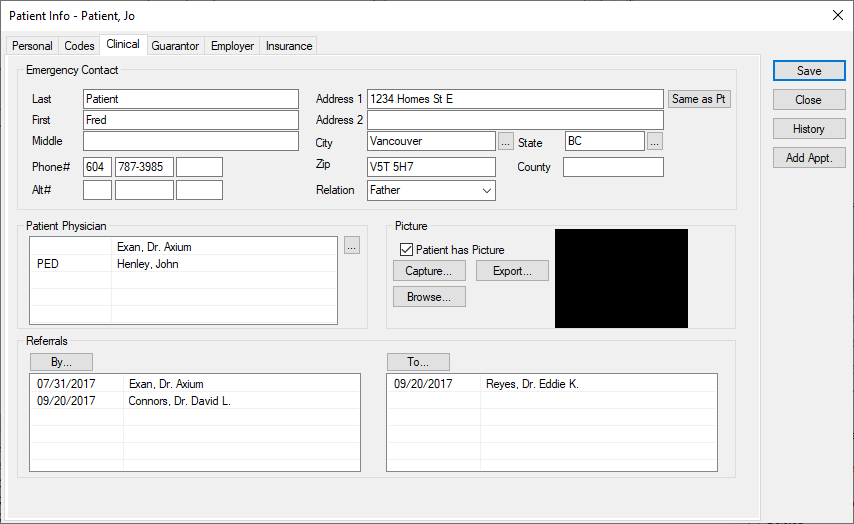
You can add referrals to the patient record. There are two types of referrals:
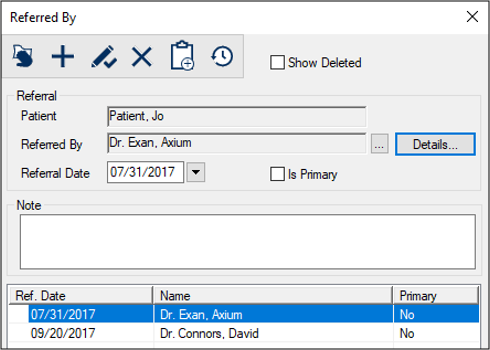
Examples: Another physician, the yellow pages, an advertisement. Referrals include information such as the type, any associated clinical or office codes, and the contact and ID information, if applicable. To manage referrals:
 Add Referrals Add Referrals
Edit Referrals
Add Forms to Referrals
Delete Referrals
View Referral History
|
 ) icon.
 ) icon.
 ) icon.
 ) icon to display the Add Form window.
 ) icon.
 ) icon.