Deactivate Patient Records
|
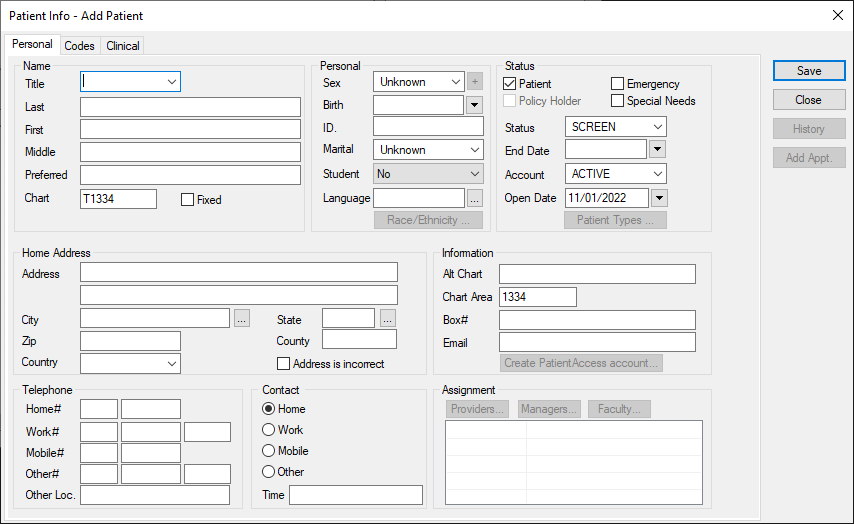
In some situations, it is necessary to deactivate a patient record. Examples: If the institution is notified that a patient has passed away, moved out of the area, or if they are excused from the institution, or do not pay their bills. To deactivate a patient record:
Tip: Many institutions include a custom field on the Codes tab that allows you to select an inactivation reason entry that describes the situation. |